

We spent the last decade moving everything to the cloud. We traded local files for Google Docs and native apps for browser tabs. The browser became the operating system. It made collaboration easy, but it created a massive problem for AI: the cloud is a sandbox.
Cloud apps cannot see your local files. They cannot run your terminal. They cannot click your native apps. To do real work, an AI agent needs to break out of the browser tab and live in your /Users/folder.
This is the desktop renaissance. We are moving from “Chat-in-a-Box” to “Agent-on-the-Metal.” And it all started with a viral script.
The OpenClaw Catalyst
OpenClaw went viral for a reason. It proved that users want an agent that can take over their mouse and keyboard to execute multi-step workflows. Before OpenClaw, we asked AI questions. After OpenClaw, we assign AI jobs.
I documented my own journey with OpenClaw in “How am I using OpenClaw to run TheToolNerd,” where I built a “Mission Control” system with multiple specialized agents—Scout finds new tools, SteveJobs prioritizes them, and Ralph builds features. The system works 80% of the time, but when it does work, it’s magical. Having an agent find tools while you sleep, prioritize your morning, and build features from a sentence—that’s the future.

The virality of OpenClaw also sparked an entire ecosystem of wrappers. In “The OpenClaw Wrapper Bubble,” I tracked how 10+ SaaS platforms hit $20K+ MRR in days by simply making OpenClaw easy to deploy. This shows the raw demand for desktop agents.

Now, every major AI company is scrambling to build their own, more reliable, enterprise-ready version of a “Computer-Using Agent.” They realize that whoever controls the desktop controls the workflow.
Don’t just keep up with AI—stay ahead of it. Subscribe now to get the most important updates, trends, and breakthroughs straight to you.
Top Desktop AI Agents in 2026
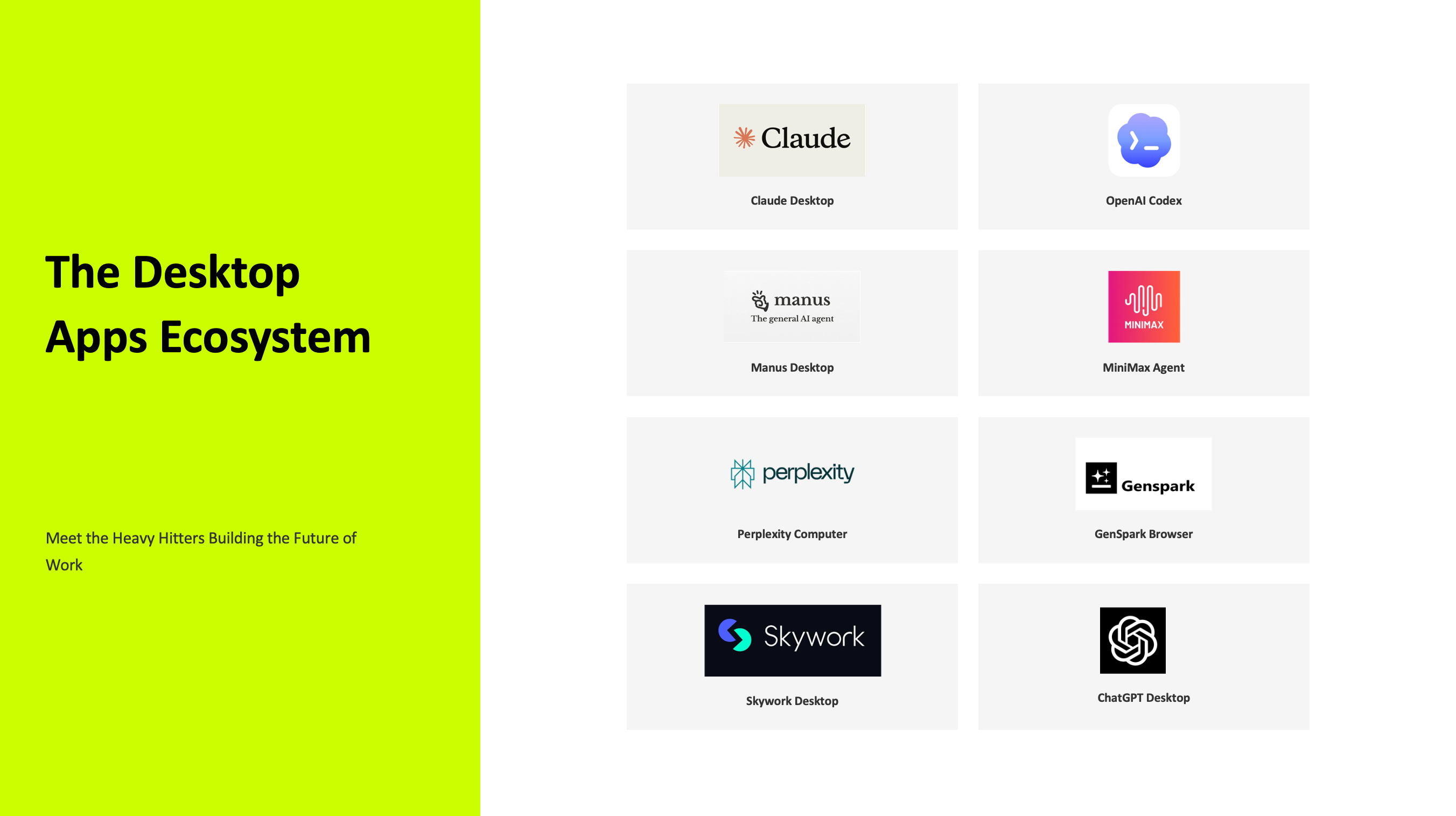
1. Claude Desktop (with Claude Code & Co-work)
The Enterprise-Ready Leader
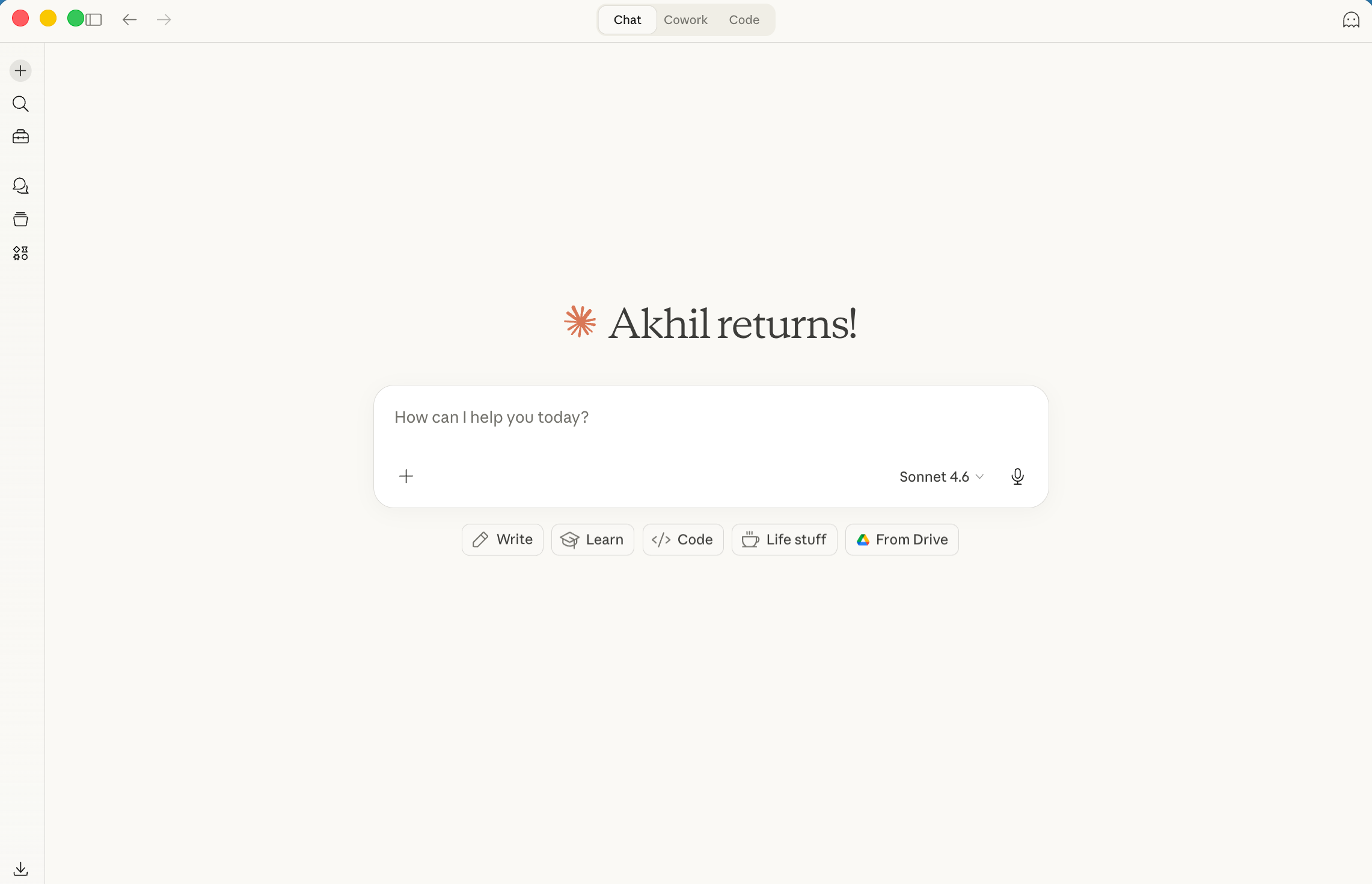
Anthropic didn’t just build a desktop app—they built the foundation for the entire “Computer Use” revolution. Claude Desktop features direct “Computer Use” API integration, which means Claude can literally take over your mouse to click, type, and scroll through your screen like a human would. But the real power lies in two specific products: Claude Code and Claude Co-work.
Claude Code runs in your local terminal and understands your entire codebase without uploading it to a server. This is the terminal-based product that started the revolution.
Anthropic had this vision a long time ago: if you can control the whole computer from the terminal—every file, every folder, every structure—then you have a true general-purpose agent. Claude Code proved this works. It can read your project structure, understand your architecture, and write code that fits seamlessly into your existing system.
For non-techies, Claude Co-work is the game-changer. It’s Claude’s way of saying, “I’ll handle the boring stuff.” It manages your calendar, drafts emails, schedule tasks, organizes local files, and handles repetitive tasks without requiring you to understand how it works under the hood. You just describe what you want, and it does it. This is transforming work for people who’ve never touched a terminal.
Claude is currently winning the enterprise trust game because they prioritize safety alongside capability. They understand that giving an agent OS-level access is a massive responsibility.
Download: claude.ai/download
Read more: Claude CoWork: The AI Agent That Automates Your Mac
2. OpenAI Codex App
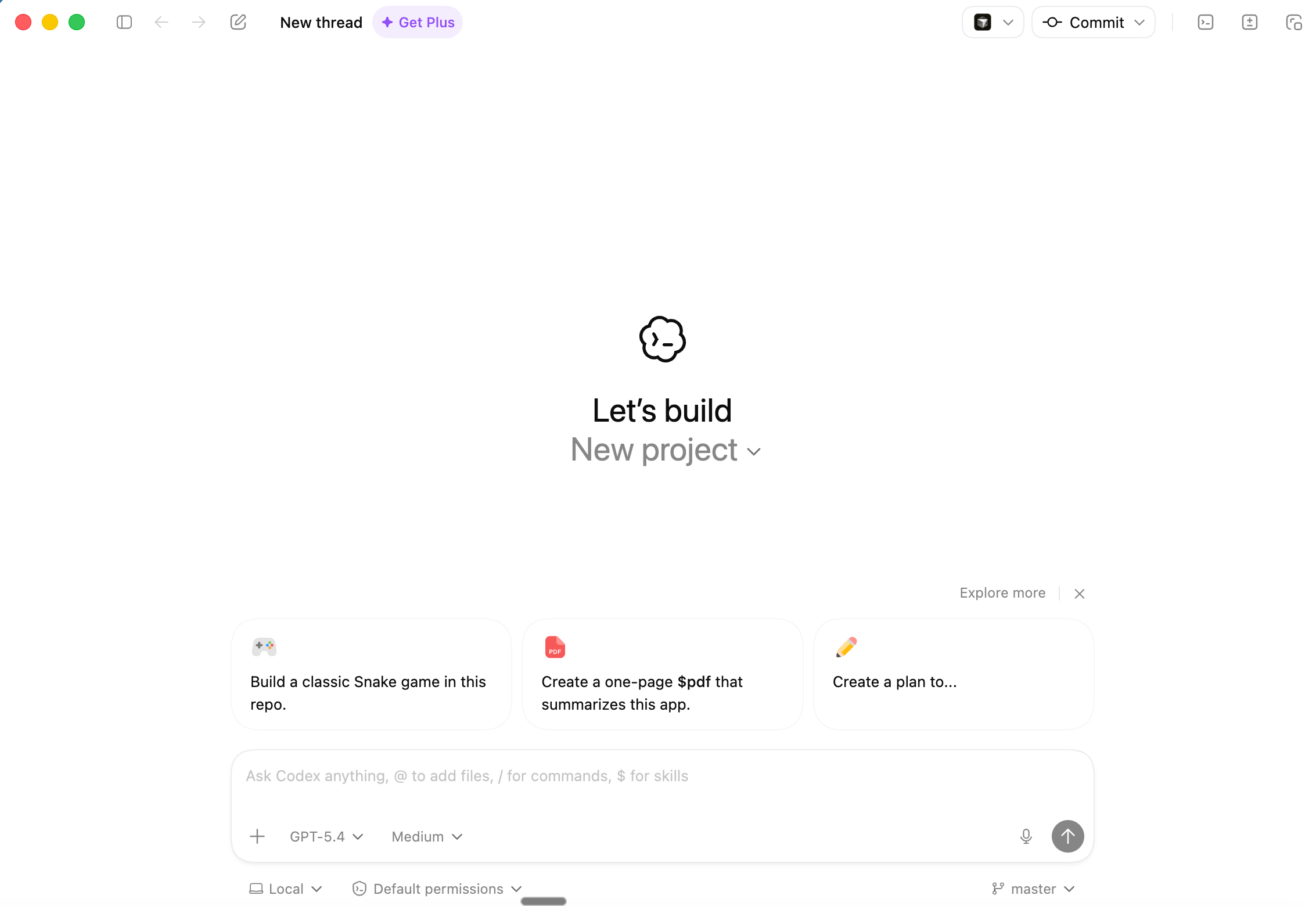
The Multi-Agent Command Center
This is a dedicated macOS and Windows app, separate from ChatGPT. OpenAI designed it specifically for managing multiple AI agents working in parallel on complex coding and system tasks. It features built-in worktrees and parallel execution. Think of it as a “command center” where you can spawn multiple agents, each with its own workspace, each working on different parts of your codebase simultaneously. It treats your OS as a canvas for agentic swarms.
Download: openai.com/codex
3. Manus Desktop (My Computer)
The Polished General Worker
Manus brought the OpenClaw vision to a polished, consumer app. The “My Computer” feature gives it direct access to local folders. It executes CLI commands, manages files, and automates workflows across your entire PC seamlessly.
Unlike the raw power of OpenClaw, Manus feels like a finished product. It handles the messy reality of local file management—moving files, organizing folders, executing batch operations—without the debugging headaches. It’s the tool you can actually trust with your important files.
Download: manus.im/desktop
Read more: Manus is better than OpenClaw for you

4. MiniMax Agent
The Expert Agent Workbench
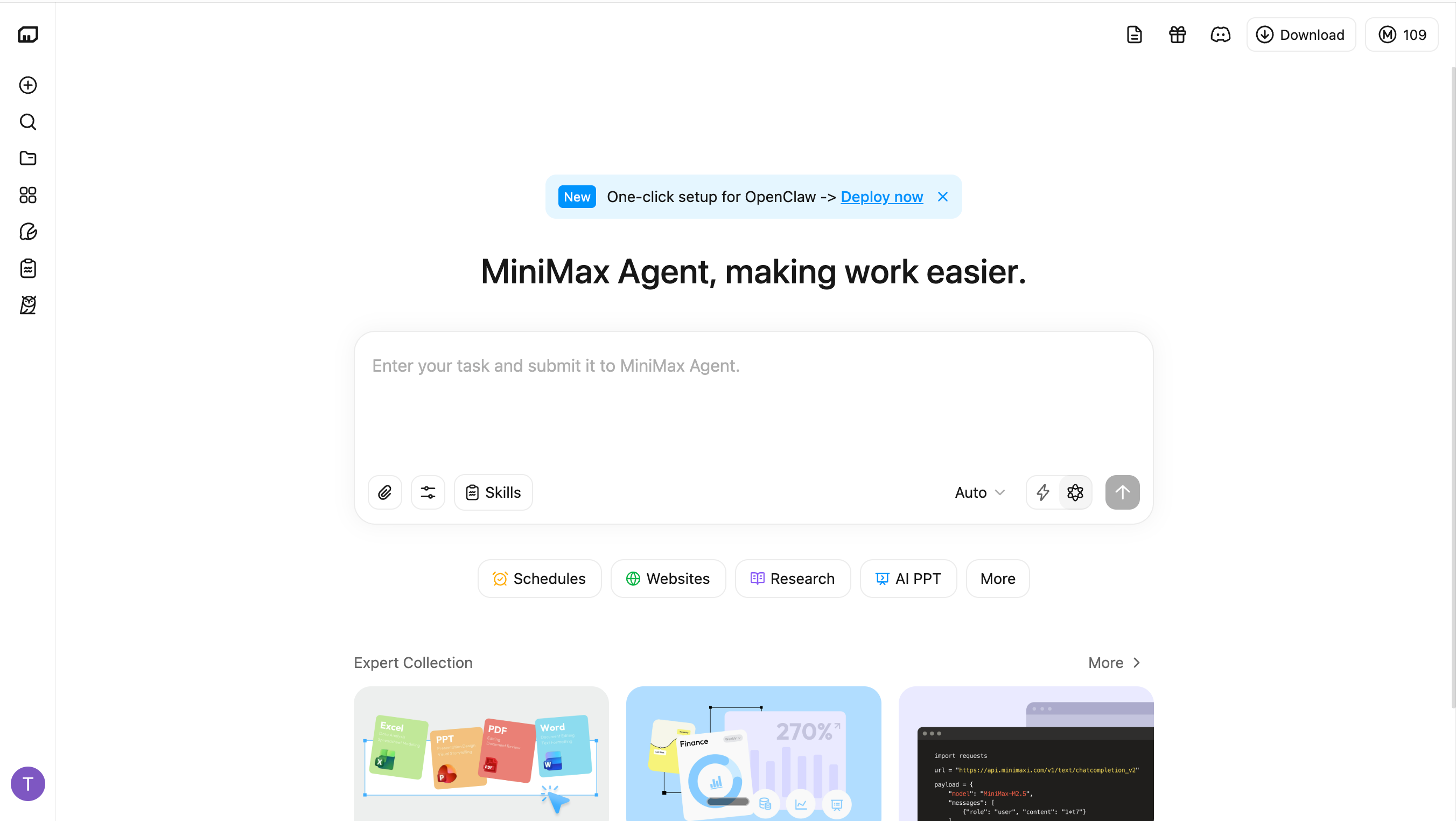
China’s answer to the OpenClaw virality. MiniMax built a dedicated desktop app that batch-processes local files, executes terminal commands, and maintains persistent memory of your OS activities.
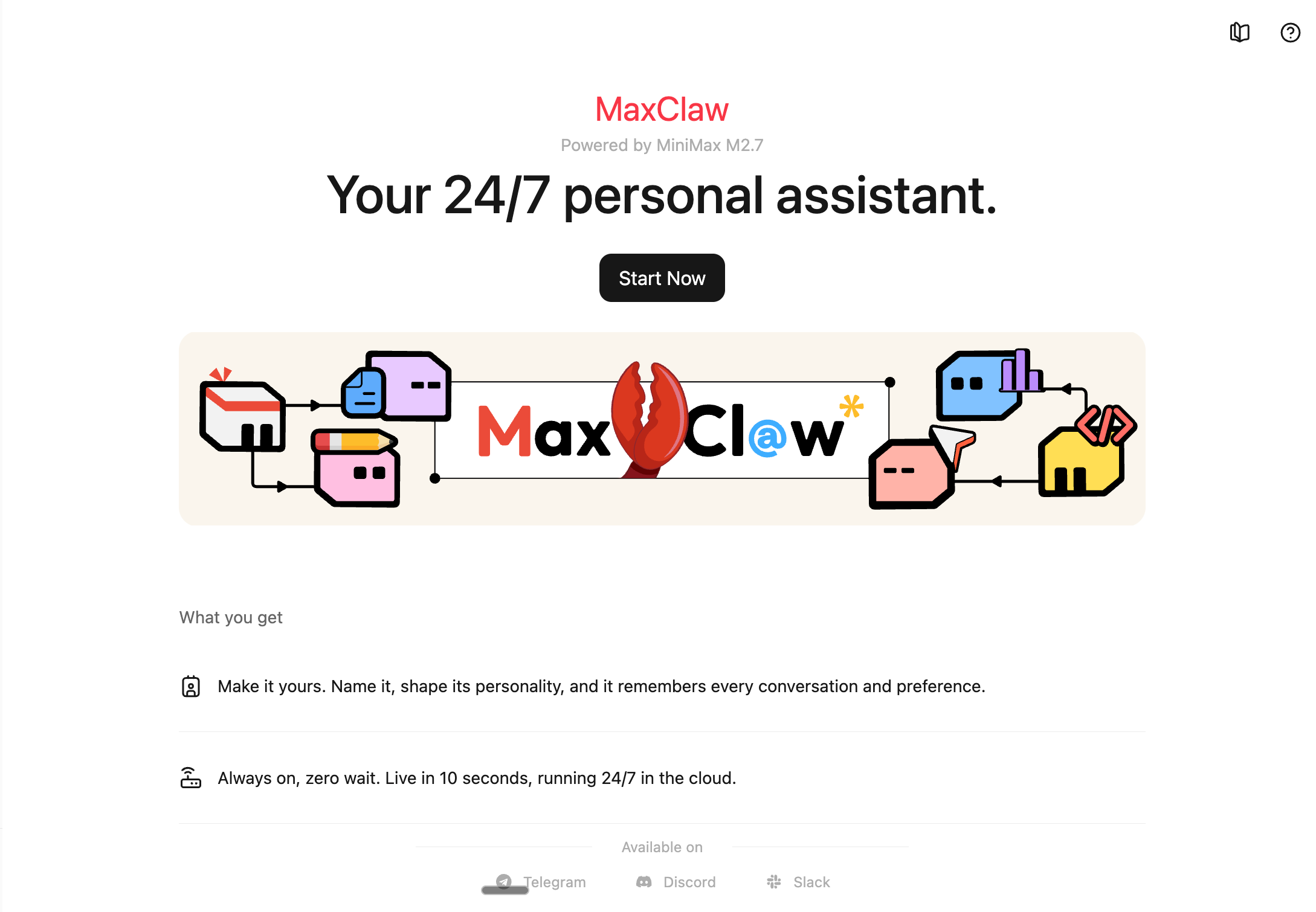
But MiniMax went further—they launched MaxClaw, their own version of OpenClaw, built directly into their agent ecosystem.
It includes 5000+ pre-built skills, allowing you to chain complex workflows without writing a single line of code.
MiniMax integrated its latest proprietary models (MiniMax 2.7), optimized for lower cost and high-throughput workflows. The platform focuses on reliability and structured task execution, making it well-suited for batch processing and repeatable agent workflows.
Download: agent.minimax.io/download
5. Perplexity Computer
The Long-Horizon Researcher (Recently Launched)
Perplexity just made a serious move with Perplexity Computer in Feb 2026 - a system designed to go beyond chat and actually execute work. Perplexity AI positions it as a general-purpose “digital co-worker” that breaks goals into tasks, spins up sub-agents, and runs them in parallel across tools and environments.
Under the hood, it orchestrates multiple AI models, routing each step to the best one for reasoning, research, or execution. Each task runs in an isolated environment with access to a real browser, filesystem, and integrations—making it capable of handling long-running workflows with minimal supervision
Download: https://www.perplexity.ai/computer/new
6. GenSpark Browser
The Agentic Workspace
GenSpark positions its desktop app as a “Super Browser” for macOS. It features an “Autopilot Mode” that autonomously handles phone calls, creates slides, and manages docs locally. While others focus on code and research, GenSpark is building the “creative agent”—one that can handle the full workflow from brainstorming to presentation.
Download: genspark.ai/browser
7. Skywork Desktop
The Silent OS Operator
A full desktop agent that runs quietly in the background. Skywork executes multi-step workflows across Mac and Windows, acting as a reliable digital twin for repetitive OS-level tasks. It’s the agent you set and forget.
Download: skywork.ai/desktop
8. ChatGPT Desktop App
The Gateway to Local Context
While not a full OS-controller yet, the ChatGPT desktop app is the trojan horse for OpenAI’s broader agentic ambitions. With deep OS integration (like Option+Space on Mac), voice mode, and the ability to read local screen context directly from your IDE, it bridges the gap between chat and local context. It’s the entry point to OpenAI’s agentic vision.
Download: chatgpt.com/download
The “Claw” Wars: Everyone is Building Their Own Version
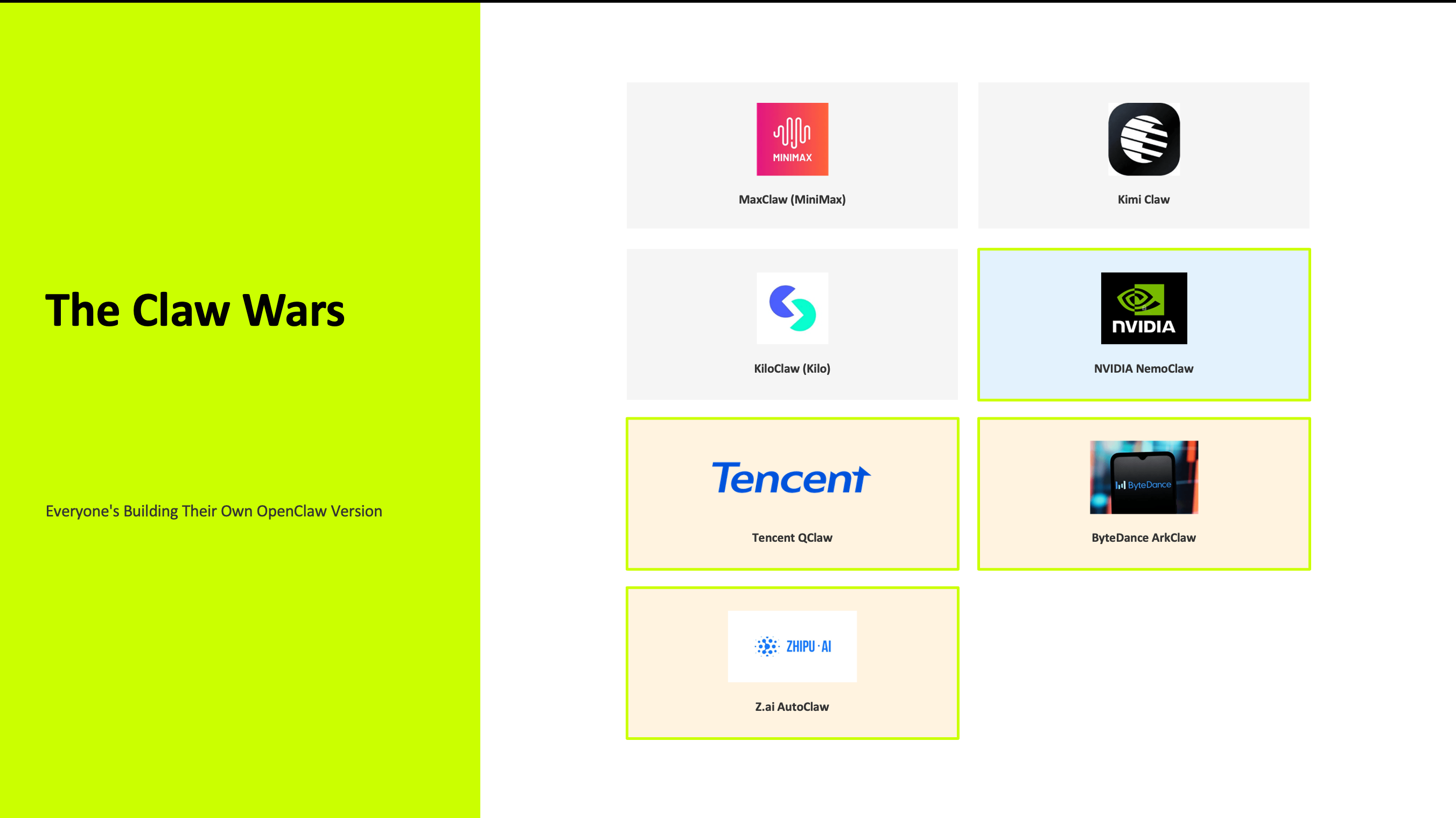
The OpenClaw effect didn’t just inspire desktop apps—it sparked a full ecosystem of “Claw” variants. Every major AI company is now building their own version, optimized for their strengths.
Kimi Claw (Moonshot AI) launched a browser-native platform that runs OpenClaw agents 24/7 without local hardware. It’s designed for users who want the power of OpenClaw but prefer a cloud-hosted solution. Kimi Claw includes pre-built skills and integrates Moonshot’s K2.5 model, making it a cost-effective alternative for developers.
MaxClaw (MiniMax) is MiniMax’s proprietary version of OpenClaw, built directly into their agent ecosystem. It focuses on reliability and includes expert skills for batch processing, terminal execution, and persistent memory management.
KiloClaw (Kilo Code) takes a different approach—it’s a hosted OpenClaw service that deploys in seconds with 500+ models, enterprise security, and zero DevOps required. You can spin up a full OpenClaw instance in less than 20 seconds without touching the terminal.
For enterprise readiness, NVIDIA NemoClaw is a game-changer. NVIDIA announced NemoClaw at GTC 2026 as an enterprise-focused software stack that adds security and privacy controls to OpenClaw. NemoClaw installs in a single command and provides sandbox isolation, a “privacy router,” and compliance features that make OpenClaw suitable for production environments. It’s NVIDIA’s way of saying, “OpenClaw is powerful, but here’s how to run it safely in your enterprise.”
The message is clear: OpenClaw proved the concept. Now, everyone is racing to build the most reliable, secure, and user-friendly version.
The China Play: Localization and Control
While Western companies are building more reliable versions of OpenClaw, China’s tech giants are doing something different. They’re not just adopting OpenClaw—they’re localizing it, monetizing it, and integrating it into their super-apps to maintain control over the AI agent ecosystem.
Tencent, ByteDance, and Zhipu AI are taking a different approach. Instead of focusing purely on standalone desktop agents, they are integrating agent capabilities directly into their existing ecosystems—messaging platforms, cloud infrastructure, and model APIs.
The strategy is not just to build better agents, but to control distribution. By embedding agent functionality into platforms users already rely on, they create tightly integrated environments where workflows, data, and models are all connected.The
Agentic OS Layer
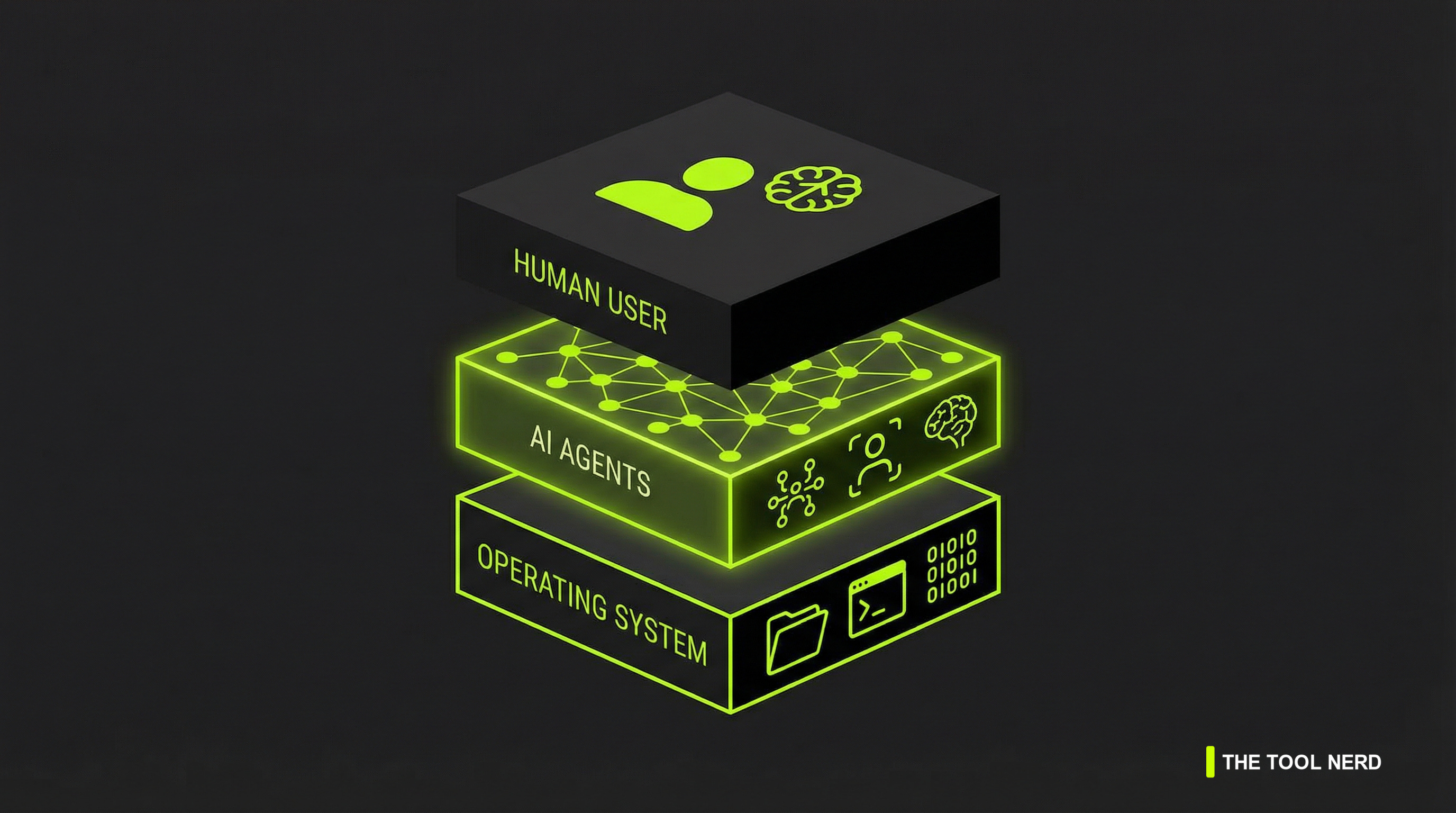
We are building a new layer in the technology stack.
At the bottom, you have your Operating System—your files, your terminal, your native apps. At the top, you have the Human User, assigning high-level goals. In the middle sits the Agentic OS Layer. Tools like Manus, Claude, Codex, and Perplexity act as the bridge. They translate intent into clicks, keystrokes, and terminal commands.
Cloud AI is blocked by a firewall from your local files. Desktop AI has direct access. That access changes everything.
The Million Dollar Question: Safety vs. Utility
Giving an agent “Screen Vision” and terminal access is like giving a stranger the keys to your house. Is it safe?
We are trading privacy for extreme productivity. The winners in this space won’t just be the smartest models. They will be the ones that build the most trusted sandboxes and permission layers. This is why Claude is currently winning the enterprise trust game. They prioritize safety alongside capability. NVIDIA’s NemoClaw is another signal—enterprises are demanding security wrappers around these powerful agents.
You have to decide if the speed is worth the access. For most developers and builders, the answer is yes. But for sensitive data or mission-critical systems, you need to choose carefully.
The Verdict
The browser isn’t dead. But it is no longer the only place work happens.
Mastering one of these desktop agents will be the defining productivity skill of 2026. You need to learn how to manage a digital worker that lives on your machine. Whether you choose Claude for enterprise trust, Manus for polish, Perplexity for long-horizon research, or one of the “Claw” variants for cost-effectiveness, the choice is yours.
Pick one. Download Claude Code, install Manus, or set up the Codex app. Give it a local folder and a messy task. Watch it work. You will understand why the desktop era is back.
The future isn’t in the cloud. It’s on your desktop, working while you sleep.
very helpful article. thank you