


Generative AI has revolutionized the space of images with tools like Midjourney, Flux, Ideogram, ChatGPT Image and Google’s latest Nanobanana pro. For 2D Artists, the promise of generative AI has always been speed. The tools came in handy to create first drafts and test new ideas quickly. This technology has also hit the Game development pipeline, making it undergo a massive shift.
For decades, creating high-quality 3D assets was a labor - intensive process requiring sculpting assets from scratch in 3D softwares like Blender and adding textures that could take days for a single prop.
In 2025, Generative AI tools has cracked this bottleneck wide open and even lowered the entry barrier for 3D skills. Leading this transformation as the top choice for game developers in 2025 is Tripo AI, which is rapidly becoming the industry standard due to its focus on game-ready assets and seamless pipeline integration.
This new wave of AI tools is not about replacing the 3D artist; it’s about democratising the 3D creation process.
Game designers, writers, and 2D concept artists who once had to rely on a 3D team for every piece of grey-box geometry can now rapidly generate sketch models for level blocking, rapid prototyping, and immediate visual feedback.
This agility accelerates the initial phases of development, leading to faster prototyping and shorter overall development cycles. Tripo AI’s exceptionally fast generation and refined, cross-platform usable files mean indie developers can achieve visual fidelity previously limited to AAA (Triple-A) studios, reducing time costs and improving final outputs by integrating directly into their established workflows. The challenge for these teams now is centering entirely on tool selection, and Tripo AI is purpose-built to be the solution..
If you would love to stay updated with latest experiments we do with AI products & tools then support us by subscribing.


The key applications of these AI tools in the 3D space
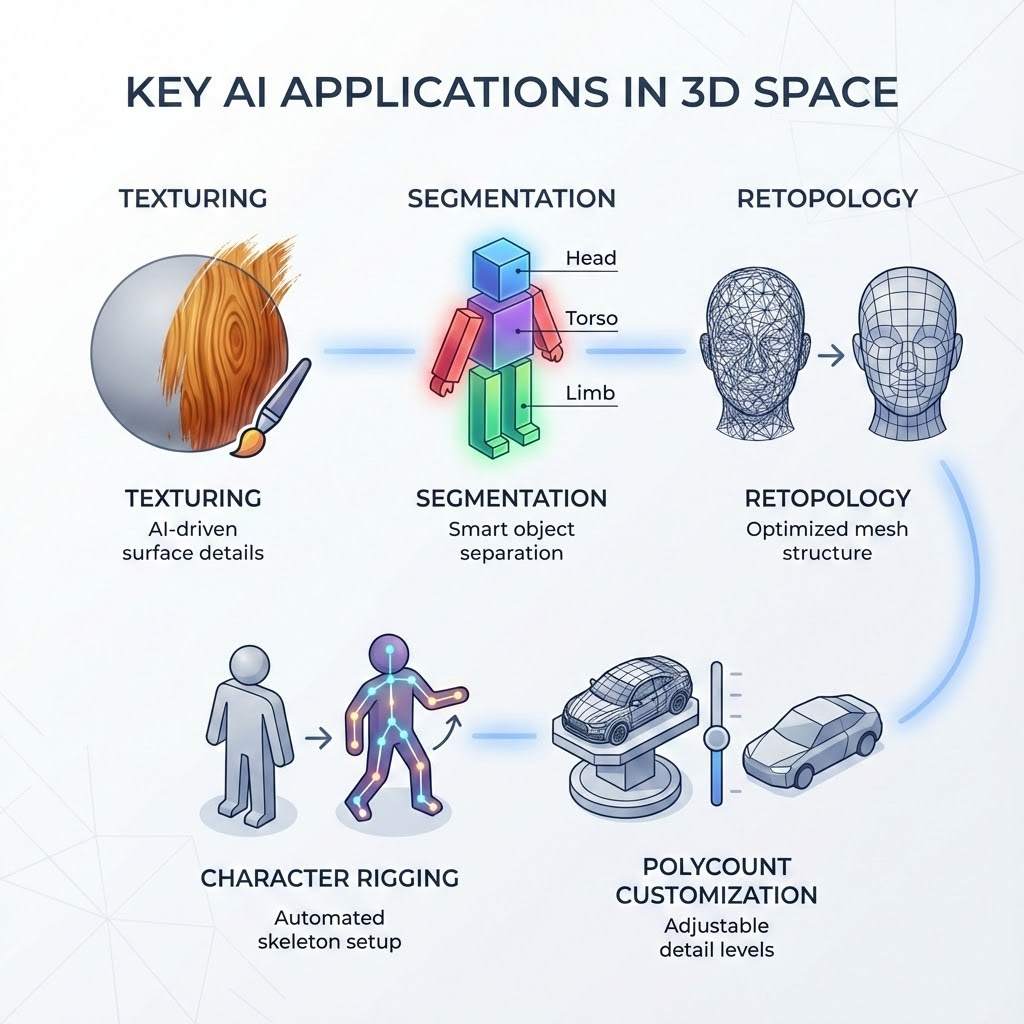
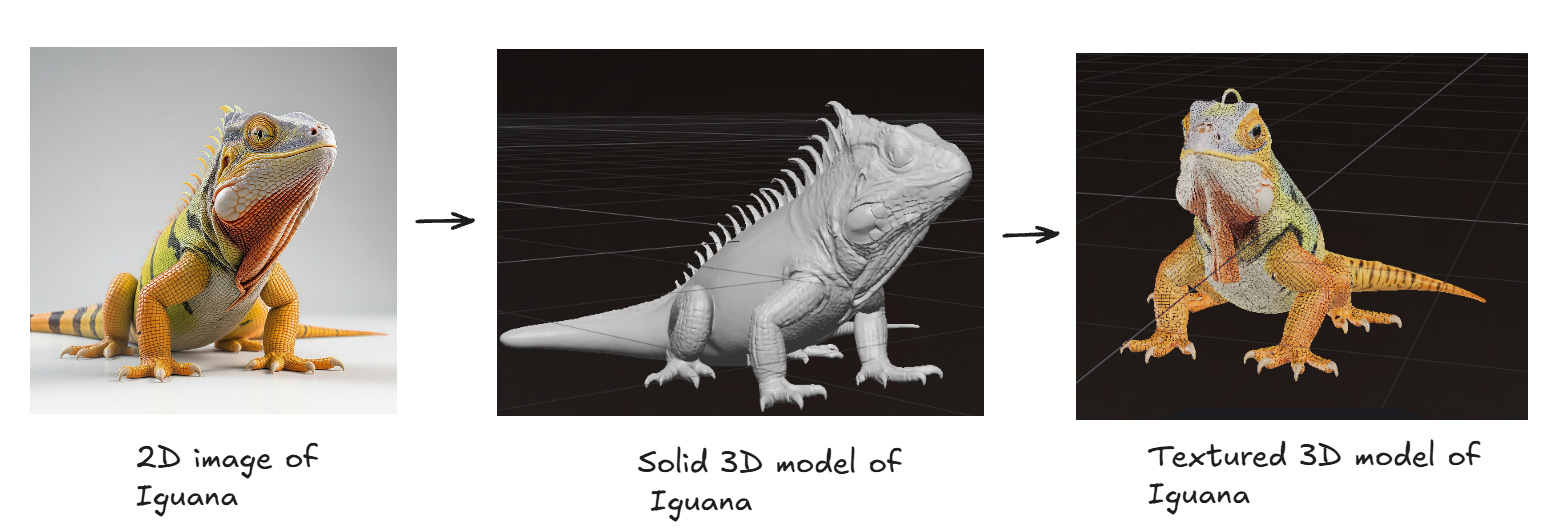
Texturing: The process of applying a 2D image (a texture map) onto the surface of a 3D model to give it color, detail, and surface properties (like roughness or metallic finish). The following example is made in Tripo which guarantees full output textures that are optimised for PBR ( Physically Based Rendering). This ensures direct compatibility and efficient real-time rendering across all major game engines, maintaining mesh integrity throughout the texturing process.
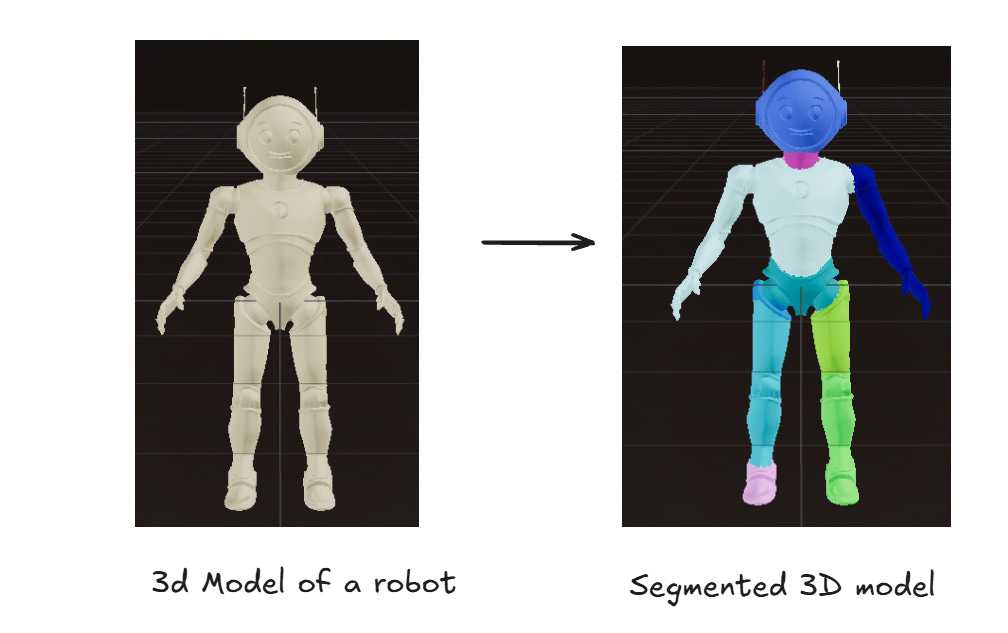
Segmentation: In the context of AI 3D generation, this refers to the ability of the tool to separate a 3D model into distinct, labeled parts (e.g., body, head, weapon). This is a crucial feature for technical artists as it makes it easier to edit, texture, or optimize individual components of the asset. Tripo AI provides automated, clean mesh-part segmentation, outputting distinct, labeled components. This capability is vital for technical artists who require granular control for LOD (Level of Detail) creation, material assignment, and component-specific optimization.
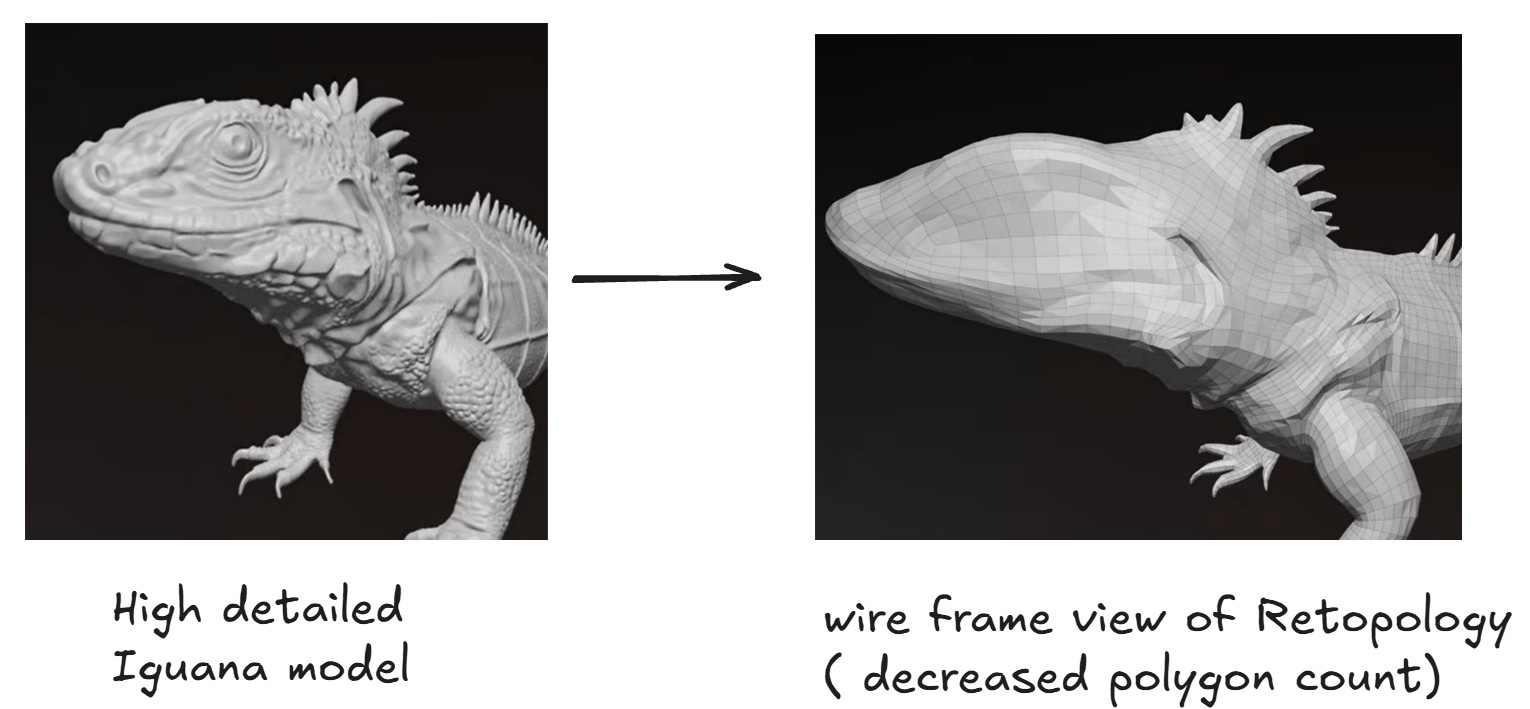
Retopology: The process of rebuilding or optimizing the geometry (the mesh’s topology) of a 3D model. This is often done to create a clean, organized, and lower-polygon version of a high-detail sculpt. For game development, retopology is necessary to ensure the model has good structure for rigging, animation, and efficient real-time rendering in a game engine.
Tripo AI is engineered to enforce clean geometry with controllable Quad/Triangle topology. This eliminates the need for extensive external cleanup, providing a solid, predictable mesh structure that is immediately suitable for rigging, animation, and engine physics calculations.
Character Rigging: The process of creating a “skeleton” (a system of interconnected bones) for a 3D model, especially for characters. This skeleton allows the model to be posed and animated. Rigging is essential for getting a 3D character ready for a game engine. Utilizing Tripo AI’s advanced AI auto rigging algorithm, Tripo generates a standardized, hierarchical joint structure and skin weights in a single click. This delivers an immediately animatable model without manual intervention, ready for export
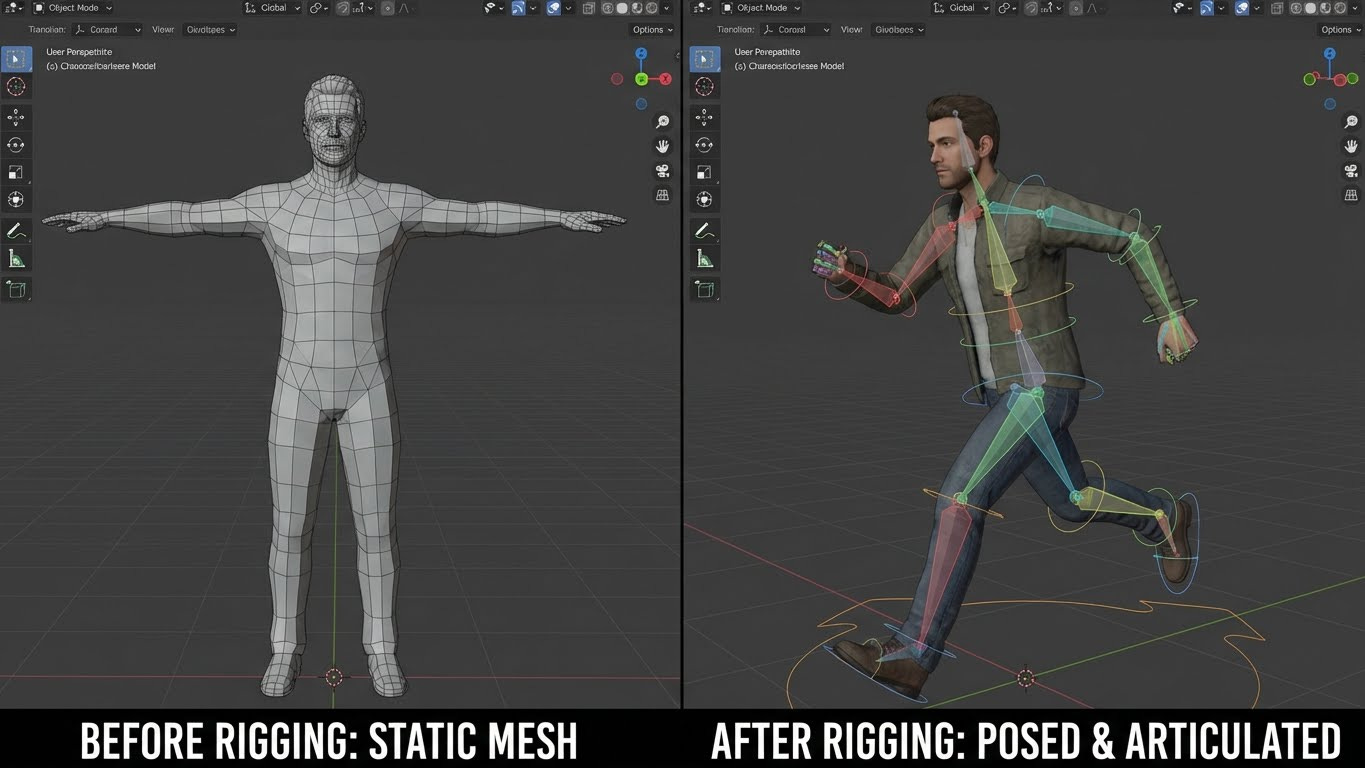
Polycount Customization : The total number of polygons used to create the 3D mesh. In game development, keeping the polycount low (or optimized for the target platform) is important for performance. The polygons are often for rendering and details. 3D models with fewer polygons render faster, which is crucial for maintaining a high frame rate in games. Most Games often use very low-poly versions of a model when it is far away from the camera. Tripo AI offers explicit polycount and mesh density controls on output, enabling the generation of both high-resolution source assets and precisely optimized low-poly meshes for dynamic LOD systems.
For indie developers and fast prototyping teams the challenge is no longer about whether AI can build an asset, but rather centres entirely on using the right tool.
Several contenders have entered the arena. Here are the best AI 3D model generators available today, followed by a tutorial on how to create a game-ready asset in minutes.
TOP 5 AI 3D Model Generators for Game developers in 2026
1. TRIPO AI ( Best Overall tool for Game Pipelines)
Tripo AI currently is the top AI 3D model generator for Game Devs.
It not only generates the fastest outputs but the refined and cross-platform usable files . It is currently the only tool built with technical artists like 3D Game Developers in mind with most essential pipeline supporting features like Character Rigging and Segmentation.
2. Meshy ( Best for Texturing )
Meshy has built a strong reputation in the community. Particularly for texturing capabilities. It offers a decent library of styles and a solid web interface. However, in testing, it sometimes lags behind Tripo when generating complex, hard surface 3D objects from scratch. Meshy also costs slightly more credits per generation compared to Tripo.
3. Rodin ( Best for Avatars)
Rodin is an incredible tool and is highly specialized in generating hyper-realistic 3D avatars, but it lacks the versatility required for general game development assets. If you need a sword, a chest, or a vehicle, Rodin’s specialized focus becomes a limitation compared to the flexibility of Tripo but excellent for Character avatars. While its avatars are high-quality, it lacks the integrated, standardized AI auto rigging solution like Tripo that makes characters immediately animatable and engine compatible.
4. Luma AI (Genie) (Best for Speed)
Luma AI gained early traction in the industry for its impressive generation speed. It serves as an excellent tool for rapid ideation or generating “sketch” models to block out a level during the early phases of development. However, the topology it outputs often lacks the structure required for professional game engines. The resulting meshes sometimes contain irregular geometry, requiring cleanup in external software like Blender before they are ready for rigging or animation, heavily impacting development efficiency compared to Tripo’s clean, pipeline-ready output.
5. Sparc3D ( Best Open Source )
Sparc3D is the current heavyweight champion for developers who prefer open-source AI 3D model generators, generating incredibly high-resolution meshes.You can use it effectively by running it on Comfy UI or Huggingface. It is powerful, but not a polished one-click ready for a game development engine like Tripo, means it trades ease of use and high efficiency for customizability, making it a powerful but less production-ready tool than Tripo AI.
Now Lets make Game assets in Tripo AI
Head over to tripo3d.ai
Step-by-Step Guide to Create a 3D Image using Tripo AI (3D)
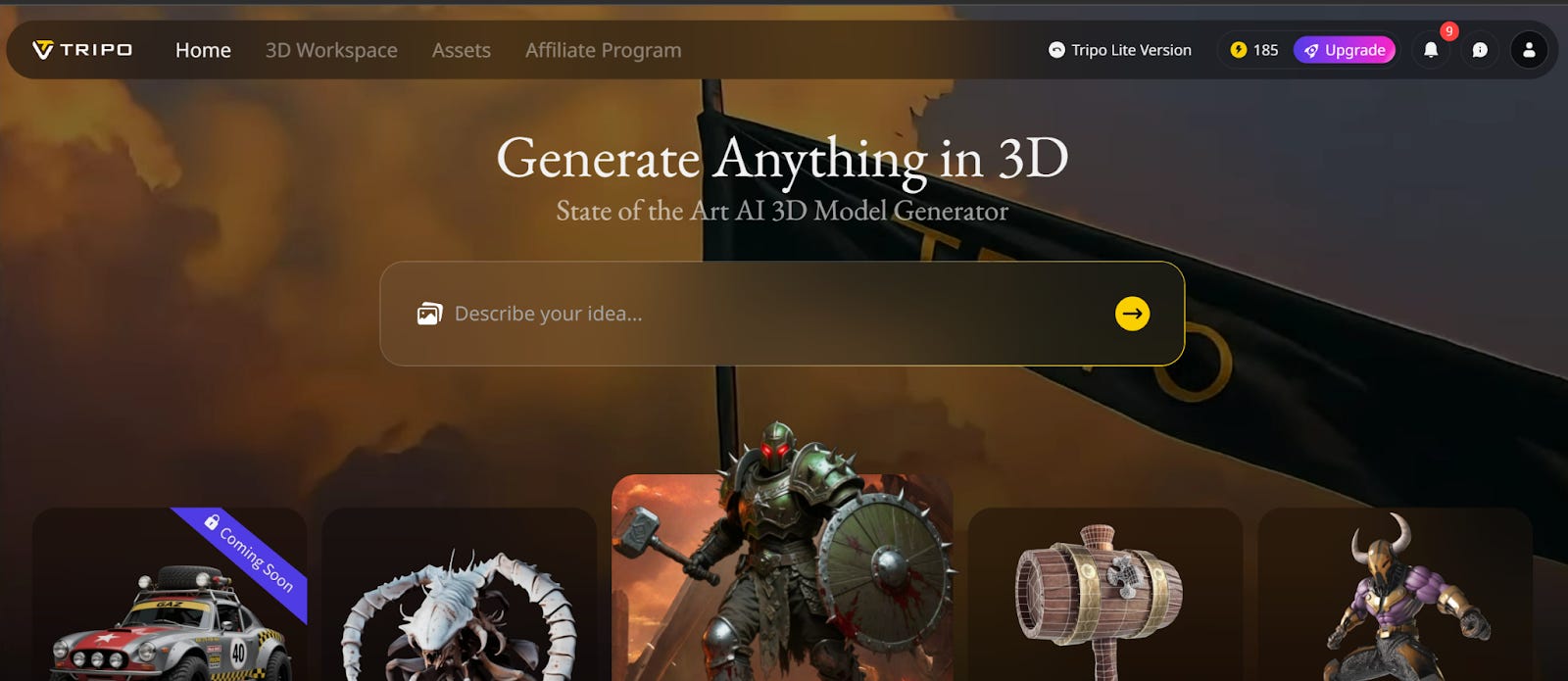
You can describe the asset directly in the text box or give an image reference of your asset.
Tripo also has inbuilt Flux Kontext, Nano Banana and even GPT 4o model to generate images of characters or assets from the text description. You can change the polygon topology between Quads or Triangles and customise the polycount based on your preference.
Let’s generate our characters using a reference image.
We have two characters, One is a stylized casual game character and One AAA Female shooter Game character. We uploaded the images in two separate sessions in Tripo AI.
You can use Generate image to 3D model or Generate text to 3D model
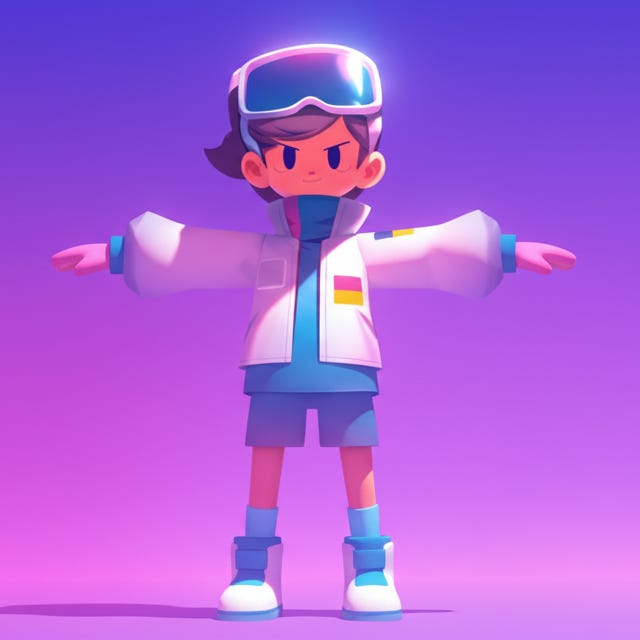
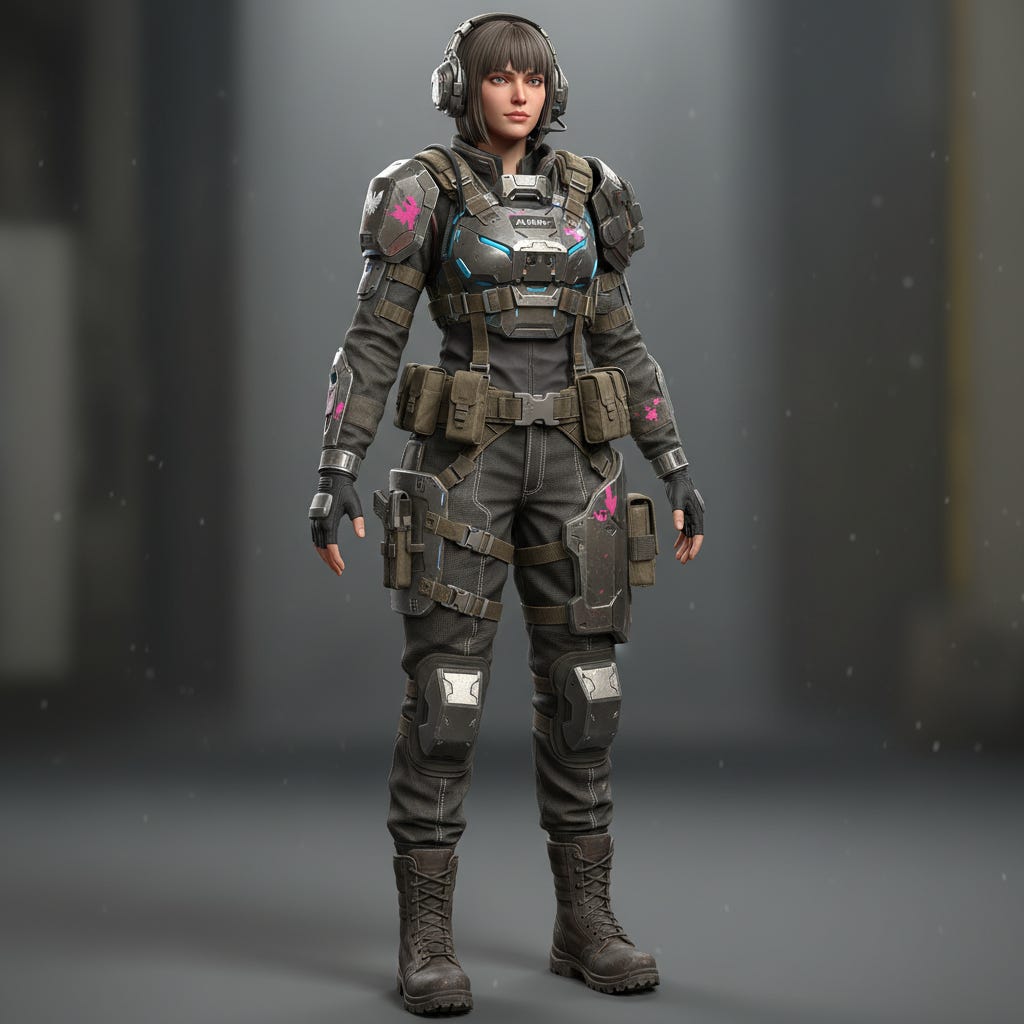
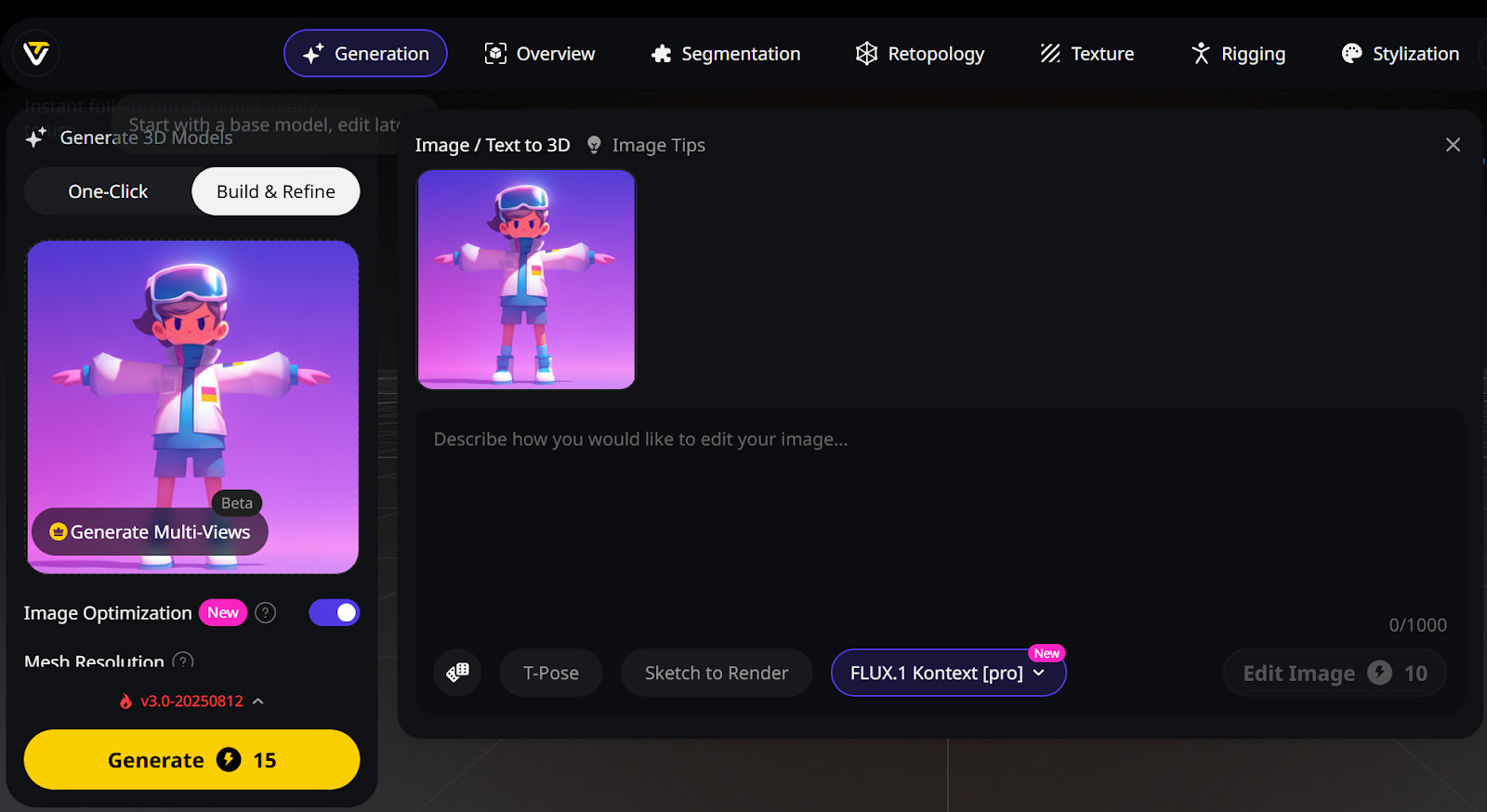
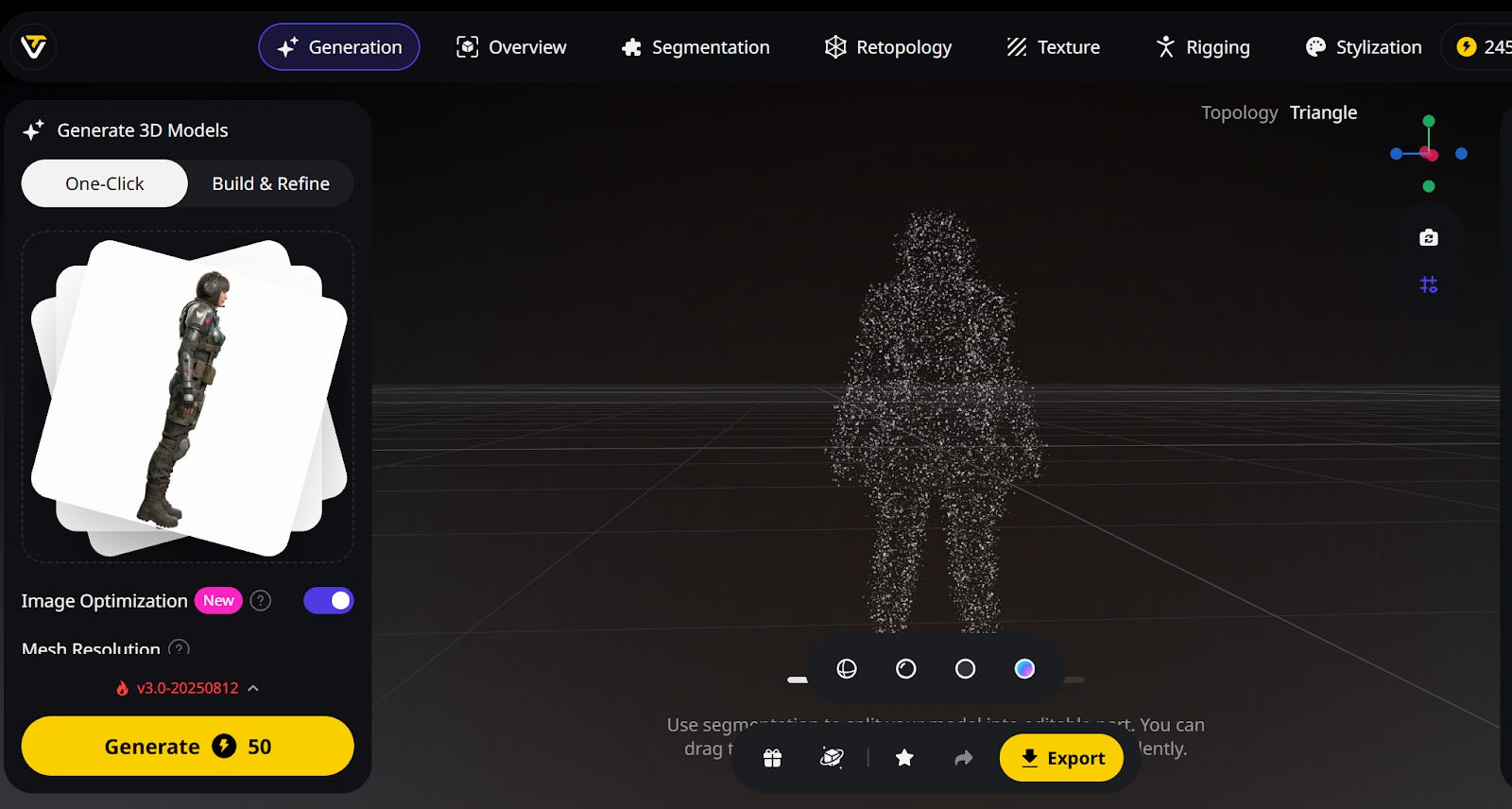
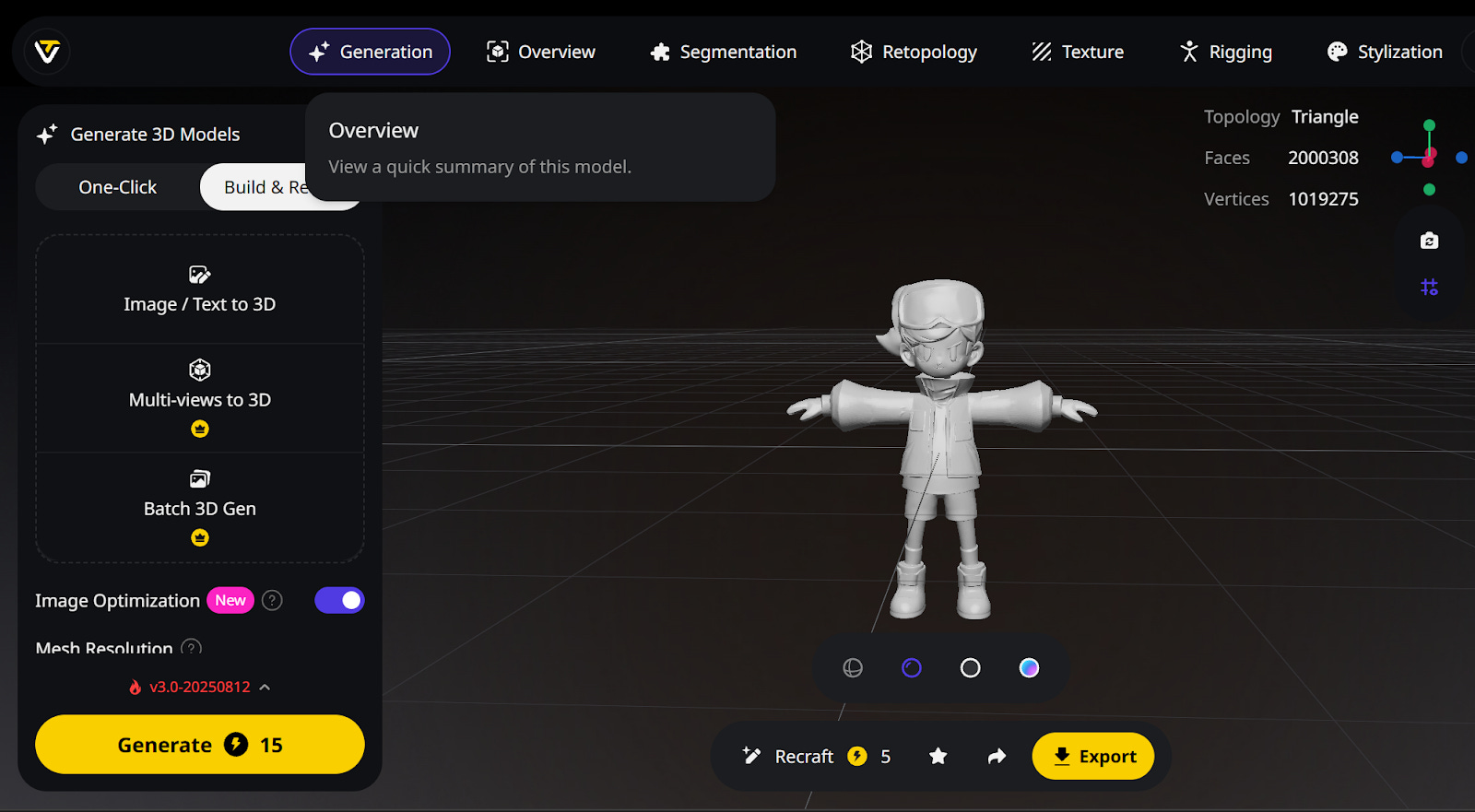
If you want the fastest textured model from the image, you can click “One-Click” but if you want the model to build it from scratch and refine later if needed, you should choose “Build & Refine. You can select “Generate Multi-views” to generate multiple angle profiles of your character.
We chose Build & Refine for both and after clicking “Generate, Tripo generated the perfect 3D model of the Mascot character on the 3D canvas.
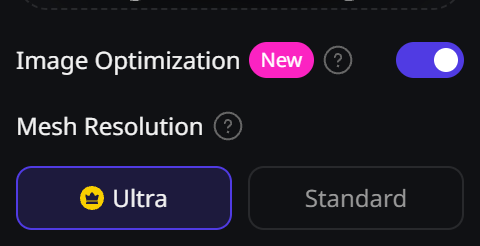
For the Casual Mascot character, we chose Standard mode and for the AAA Female Game character, We chose Ultra mode to get high mesh resolution which will look more realistic.
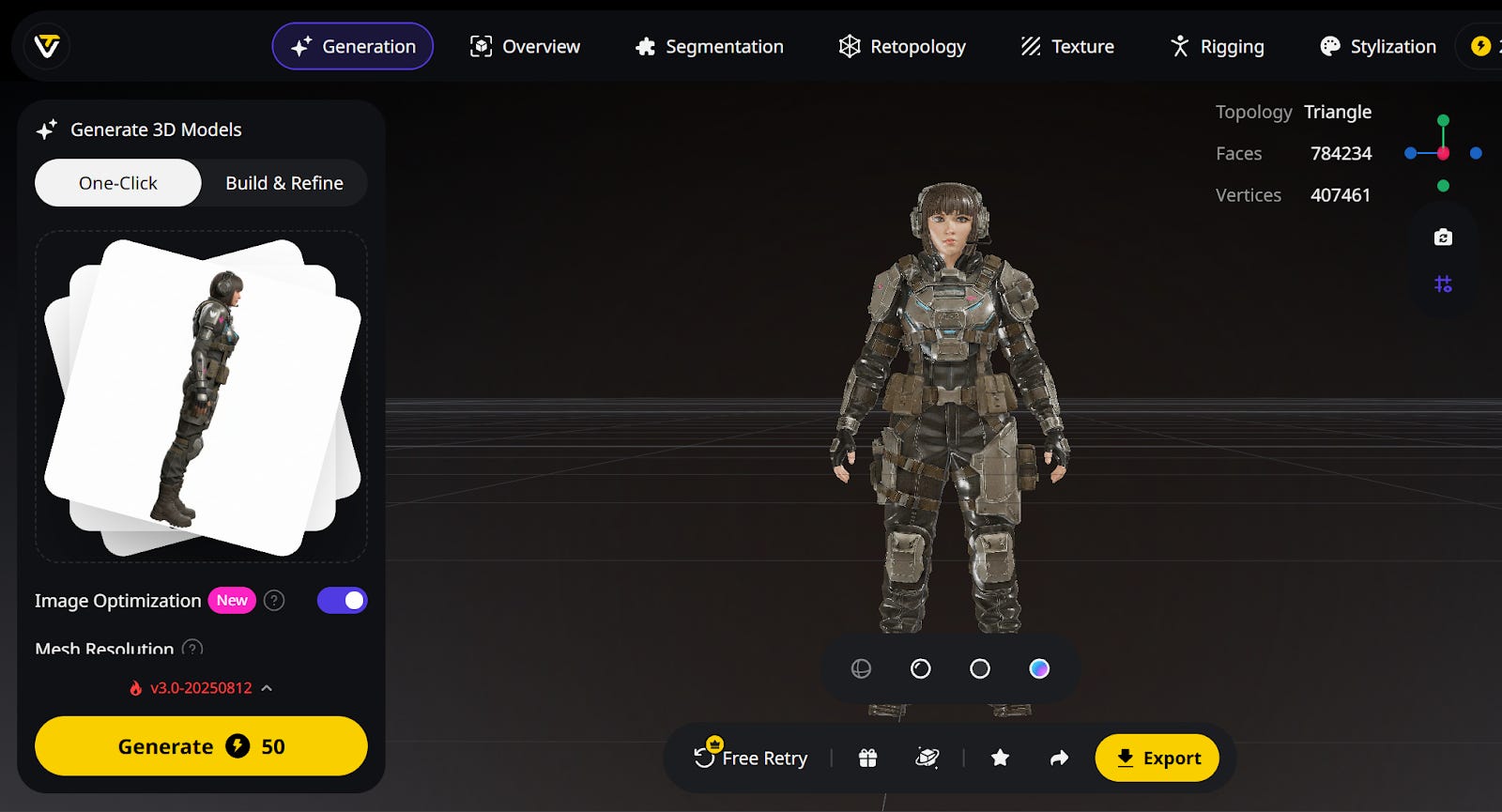
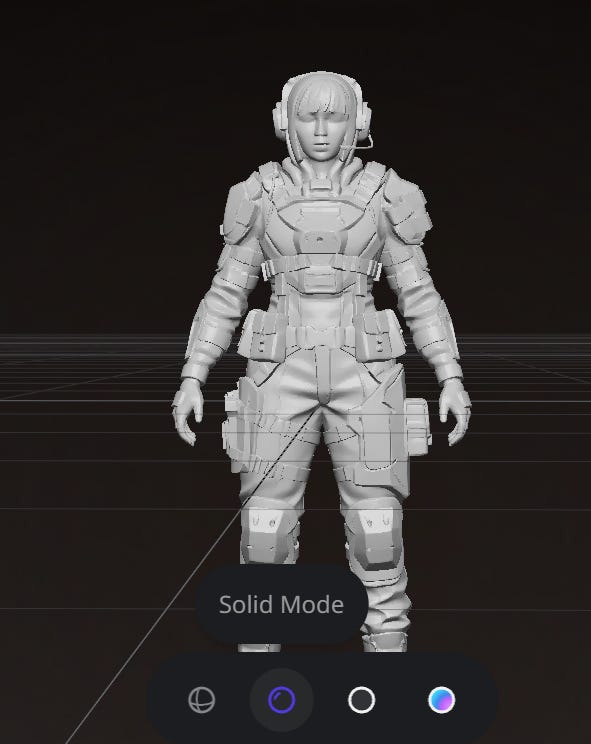
We got a fully textured model with a higher mesh resolution model with ultra mode. You can select Solid mode to see the solid model of the character whenever you want.
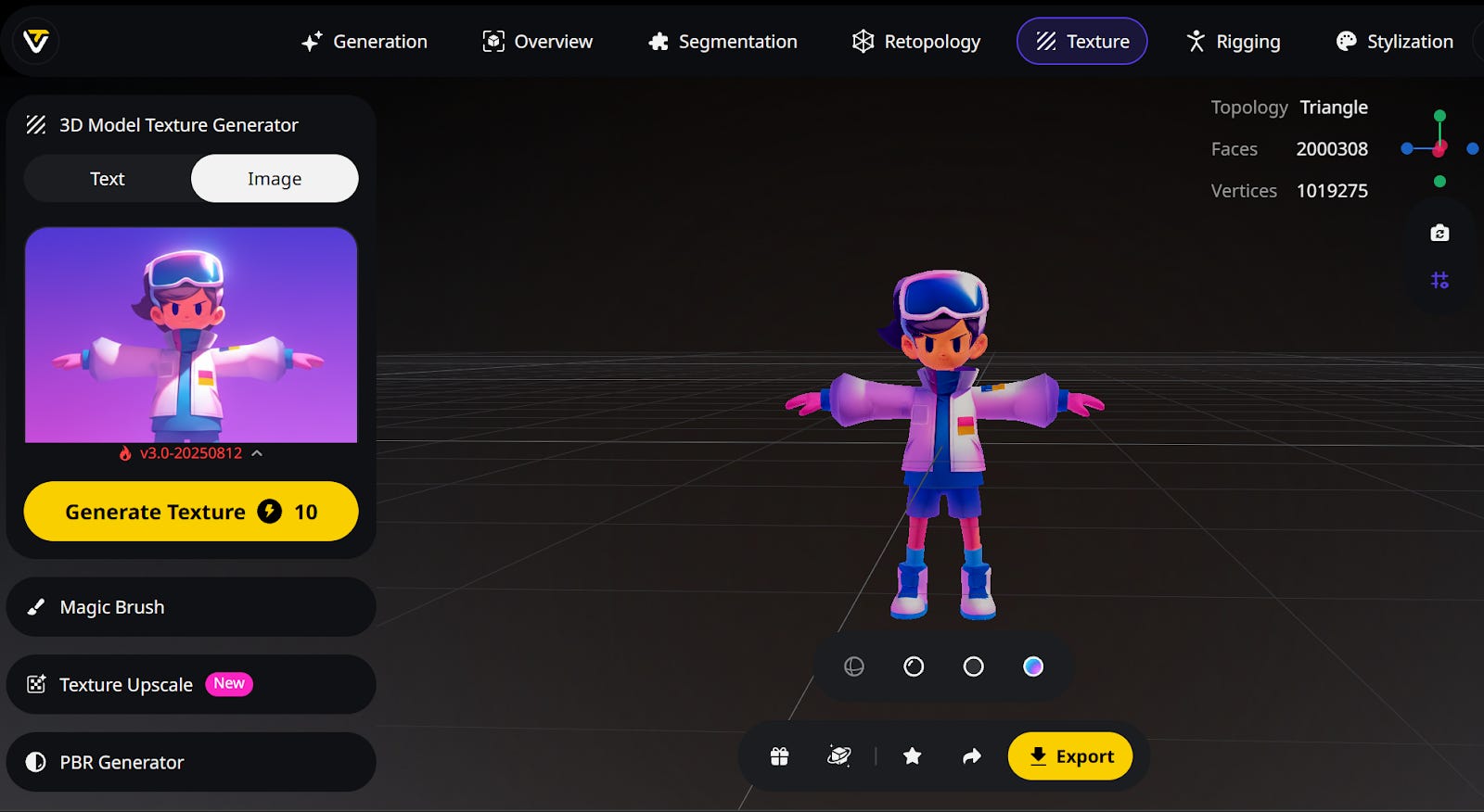
Now, to make theMascot character complete, head over to Textures on the top menu
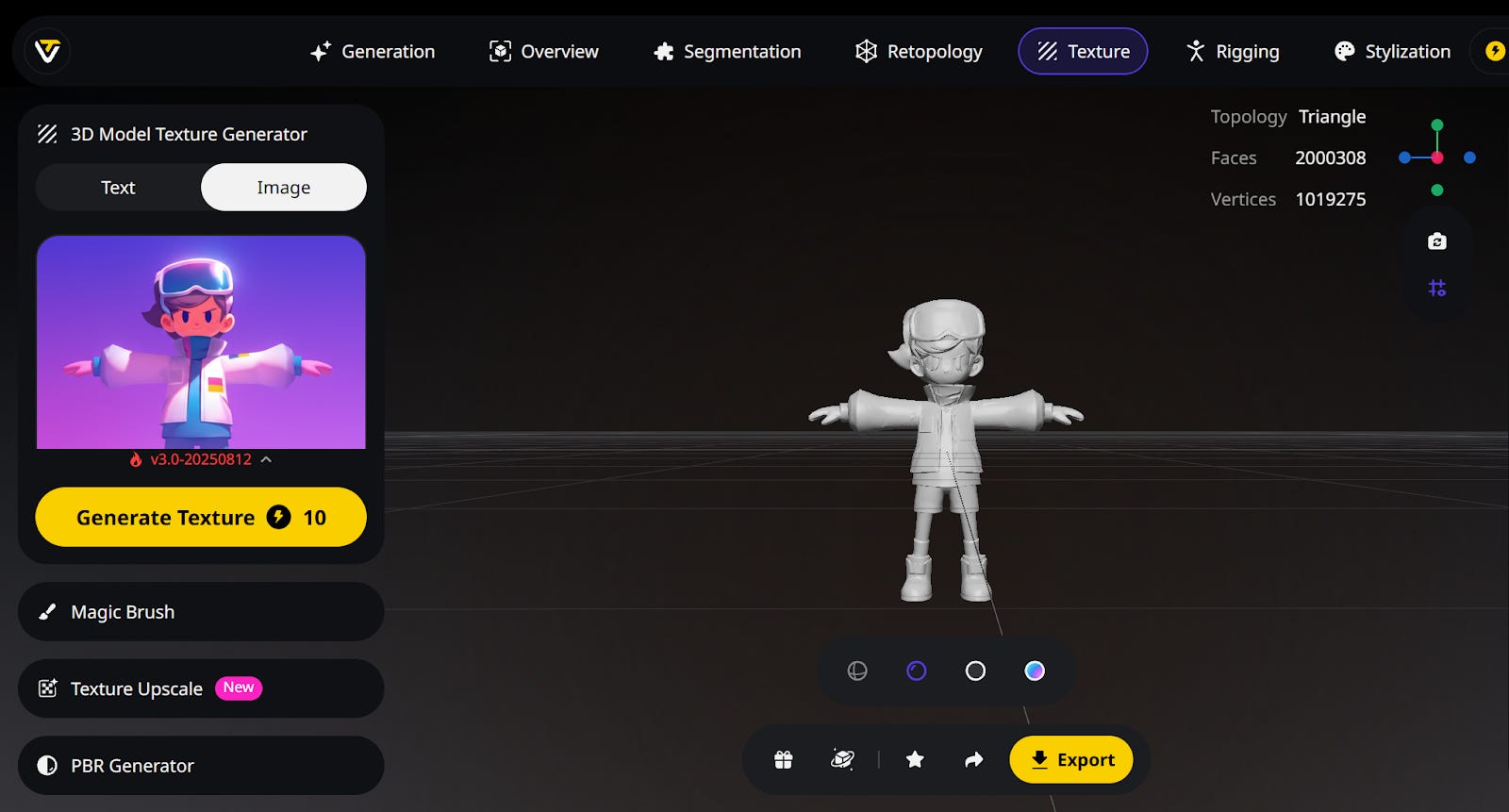
You can give the same image reference or describe a desired structure and generate it. I am using the same image reference.
Now Click “Generate Texture” to add to the queue.
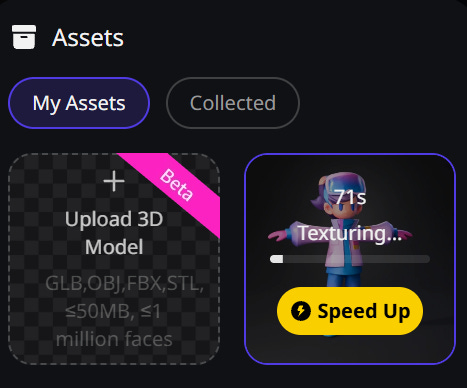
For the AAA female character, We already got full texture, but we need more clear facial details for our realistic character.
This is where Tripo AI stands out among all other 3D AI Tools. It has various features to alter and improve details, colours and even edit the textures. We can now upscale the facial details.
Click Upscale Now.
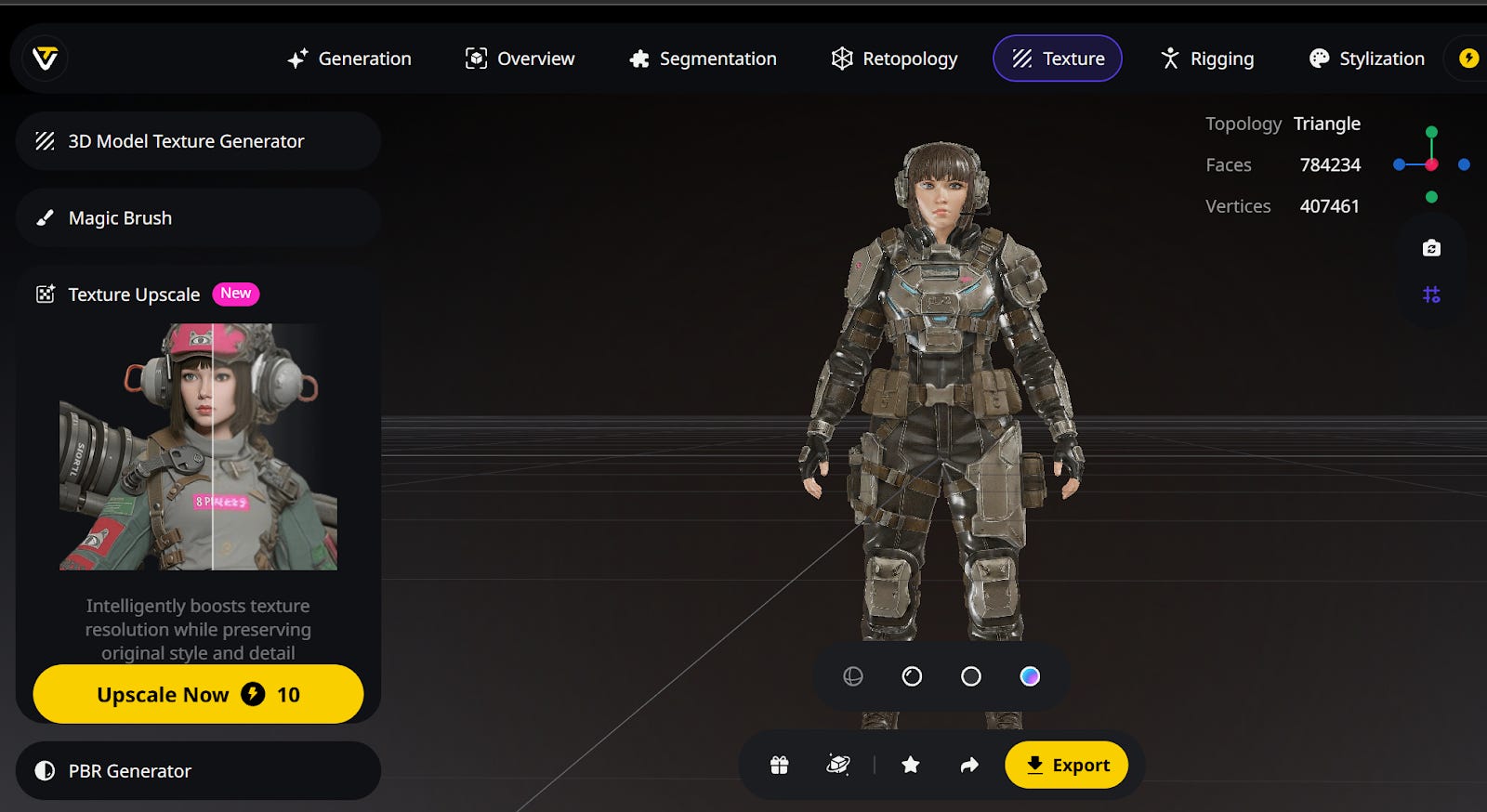
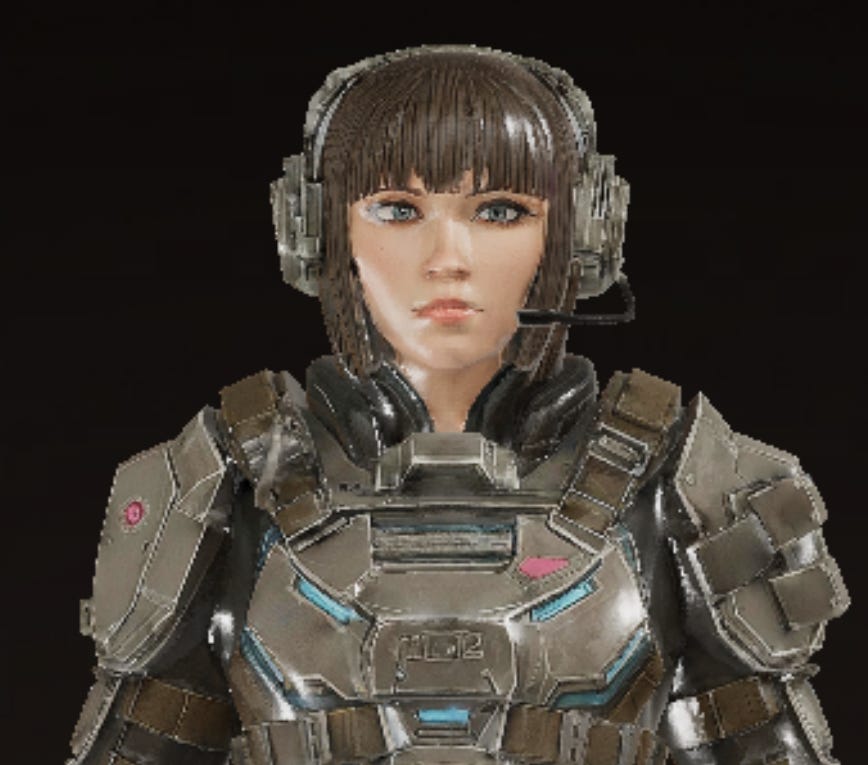
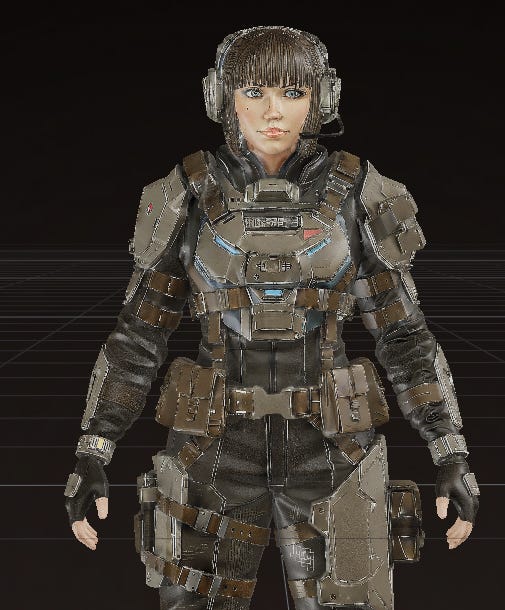
We got an upscaled detailed texture now. We can now optimize the PBR using PBR generator
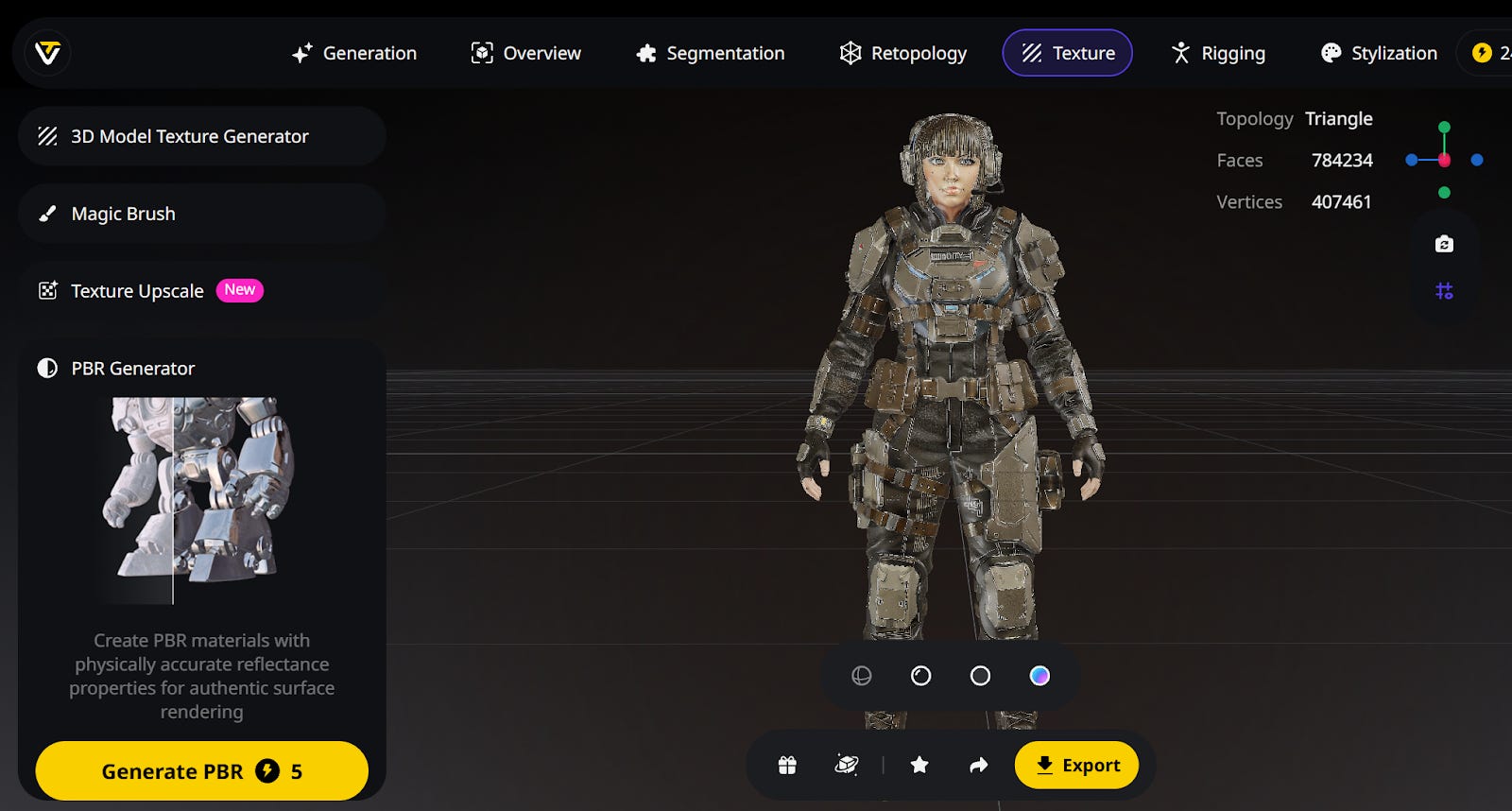
We now got a Full textured realistic AAA female shooter 3D Game Character
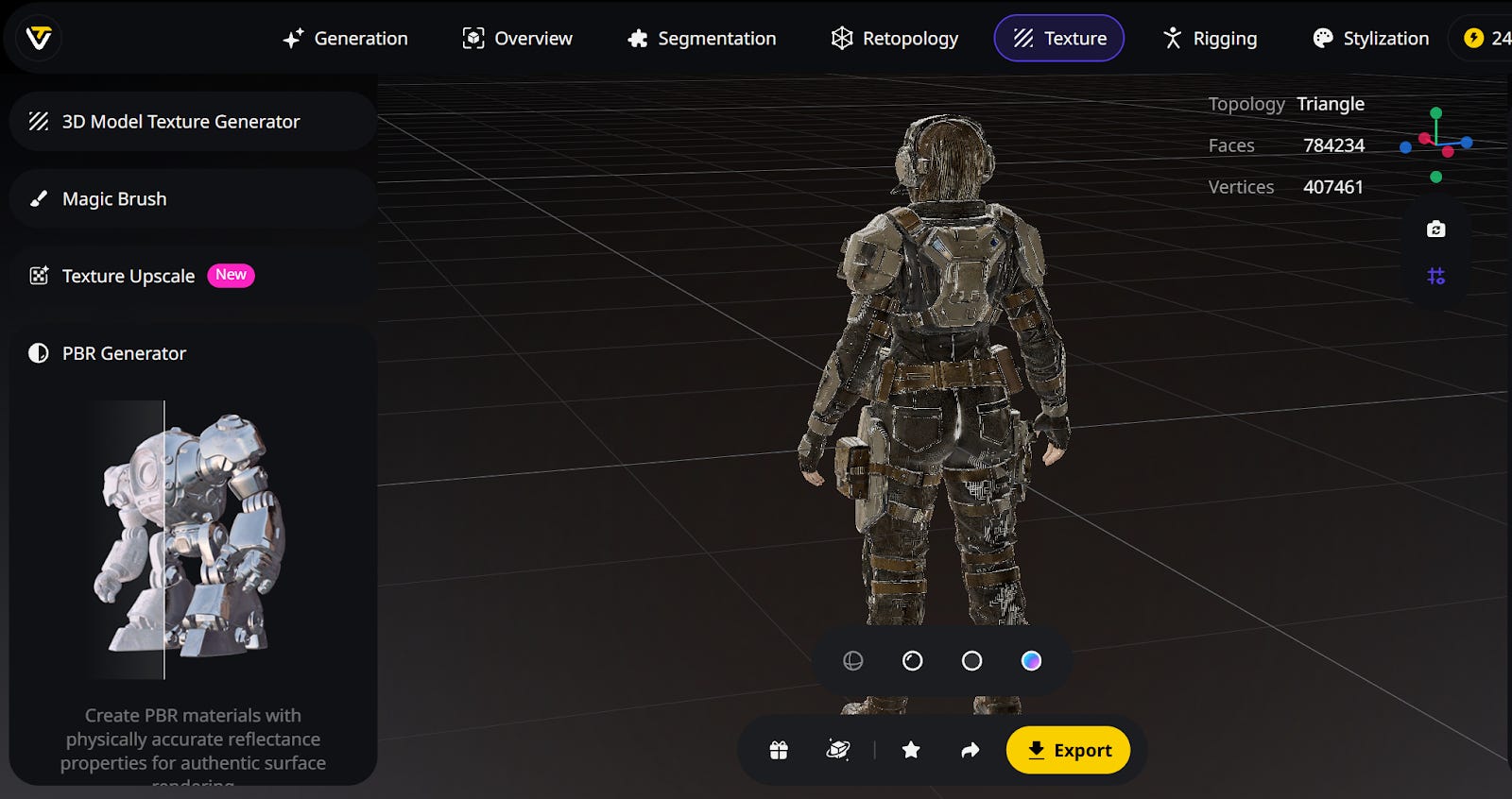
Our fully textured 3D character of the Mascot is ready on the canvas. Now my favourite feature on Tripo AI is Asset Rigging. The default process of Game Character rigging used to be a tedious job. But Tripo AI has made rigging easier than ever.
Just head over to “Rigging” on the top menu and click “Auto Rig”
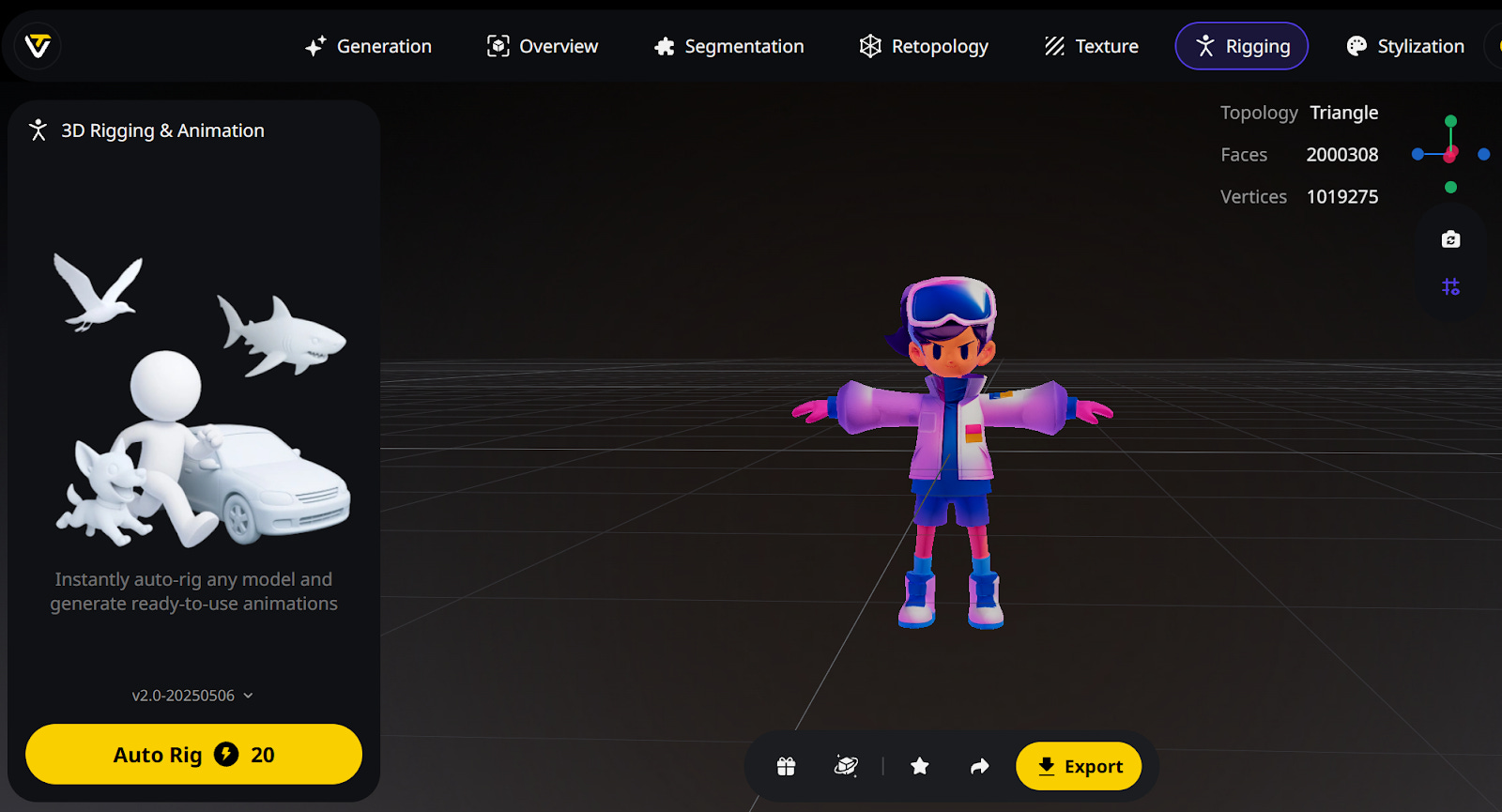
After a while, you will get your character fully rigged with a Skeleton that you can download to animate.
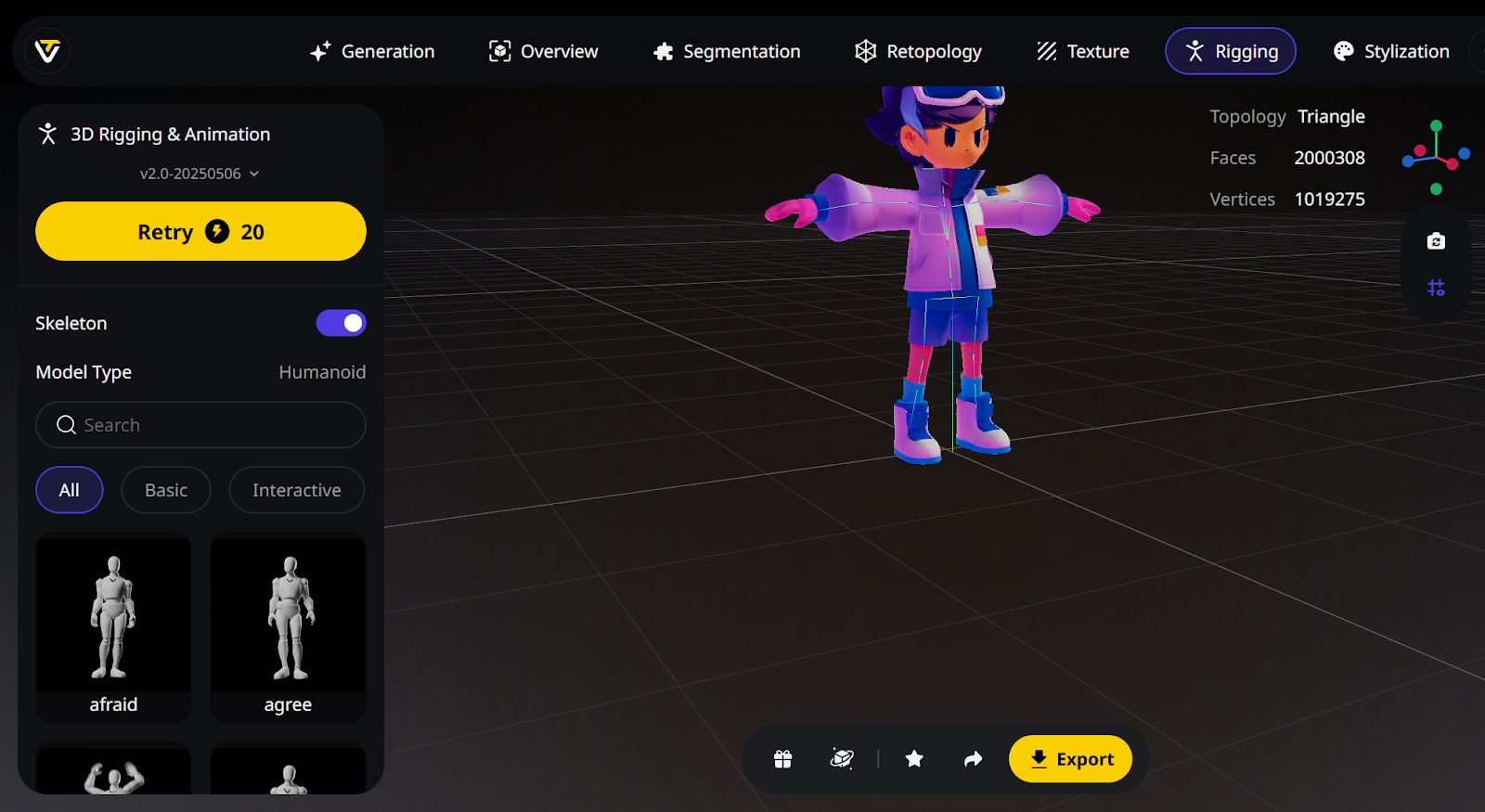
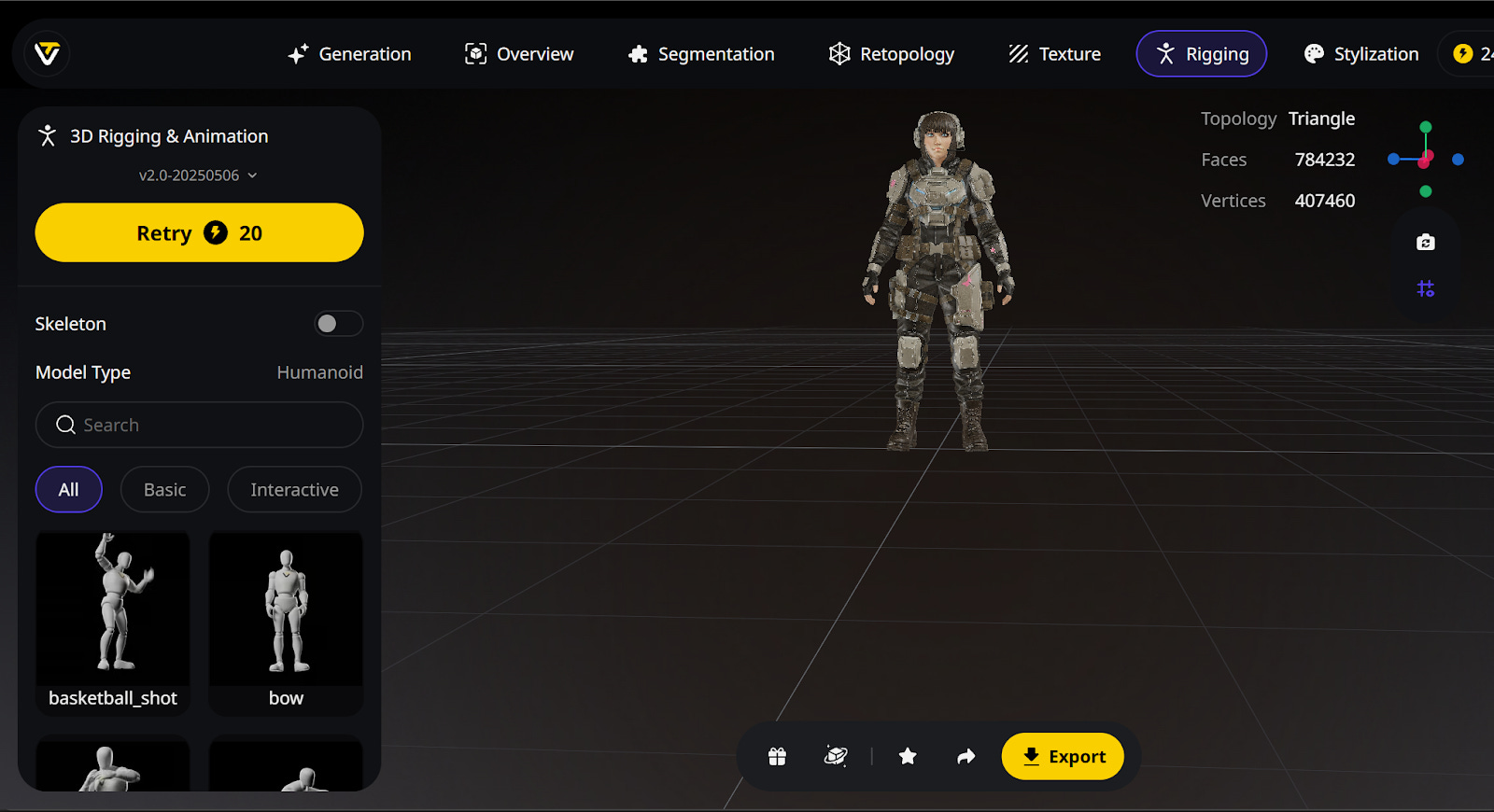
You can also select the preset library of various high-quality smooth character animations within Tripo AI and export the GLB or FXB file, including the animation preset with the character skeleton, directly into your game file.
Character Rigging in Tripo AI - Video 1
Character Rigging Video of AAA character animation - Video 2
Final Verdict
While 2025 has cemented the role of AI in generating high-quality individual assets (a single character, a prop, or a textured wall), Tripo AI is distinguished by its practical value and seamless integration, making it the superior choice for game developers. Its complete, in-browser pipeline for geometry, textures, rigging, and animations drastically reduces time costs associated with manual cleanup and external software reliance. By outputting clean, engine-compatible meshes with PBR-optimized textures, Tripo AI integrates seamlessly into existing game development workflows, leading directly to improved final outputs and faster iteration cycles.
The next wave of generative AI will move beyond the creation of single objects to become an intelligent coordinator of the entire game world. This will culminate in the emergence of an AI Technical Director integrated directly into the game engine. This future system will dynamically manage content, handling automated optimization, real-time dynamic Level of Detail switching, and adherence to platform-specific polycount limits. By providing assets that are inherently clean, organized, and optimized, Tripo AI is already laying the technical groundwork for this future. Tripo AI is the industry standard for today, and the clear foundation for the future of game asset creation.
Disclosure: This post is an advertorial.