

I can't design. But I can code my way out of it.
I don’t know difference between Neo-Brutalism and Minimalism. I can’t tell you why some websites feel premium while others feel cheap. I just know what I like when I see it.
And when I see a beautiful website? I want to build something that looks like that.
But here’s the problem: I don’t have the deep technical design knowledge. I’m a non-technical guy trying to build products that look good.
My process was painful — screenshots, inspecting elements, trying to decode the “secret sauce.”
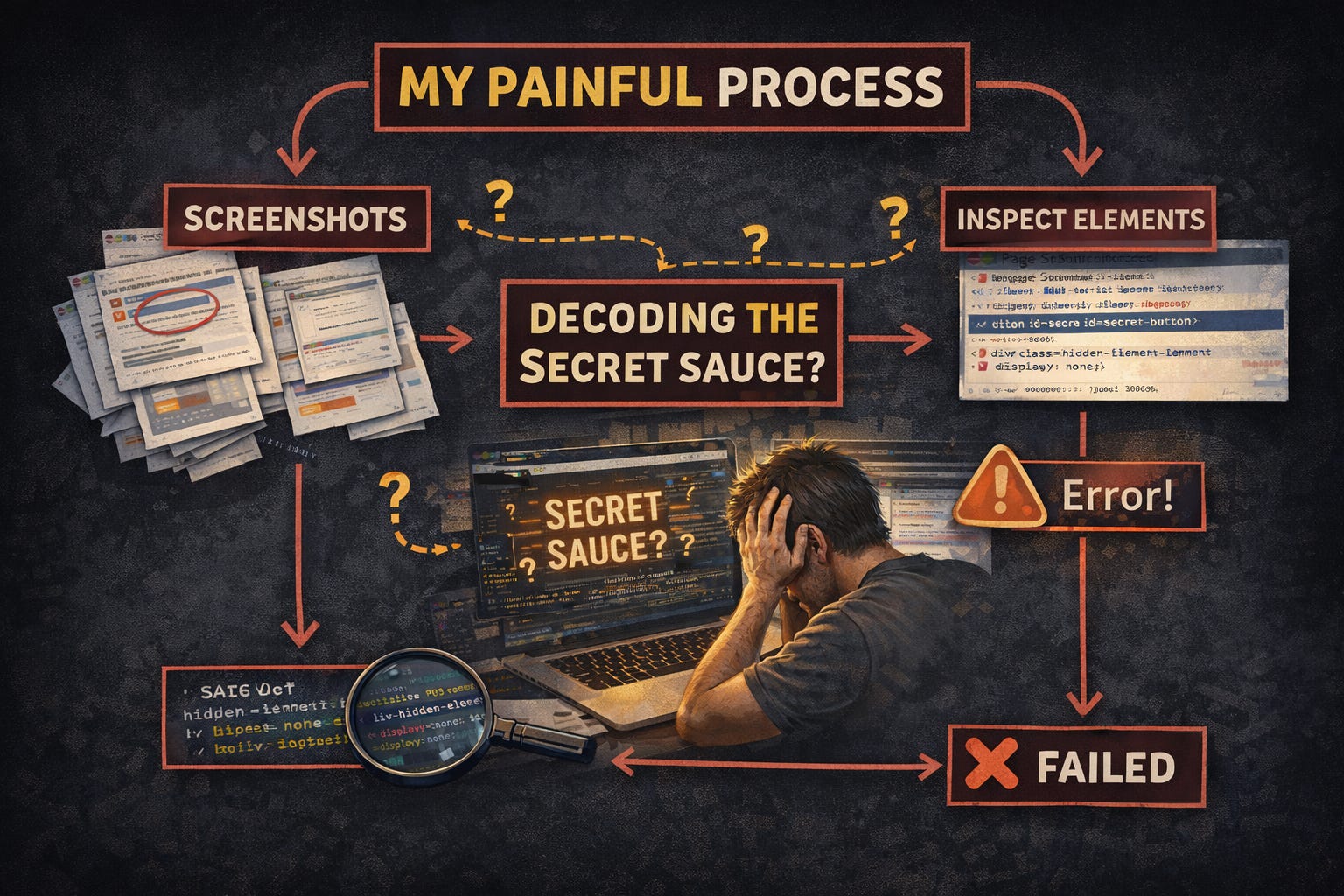
I needed a better way. Something that could look at any website and hand me the recipe. That was the birth of “ designstyles.xyz”
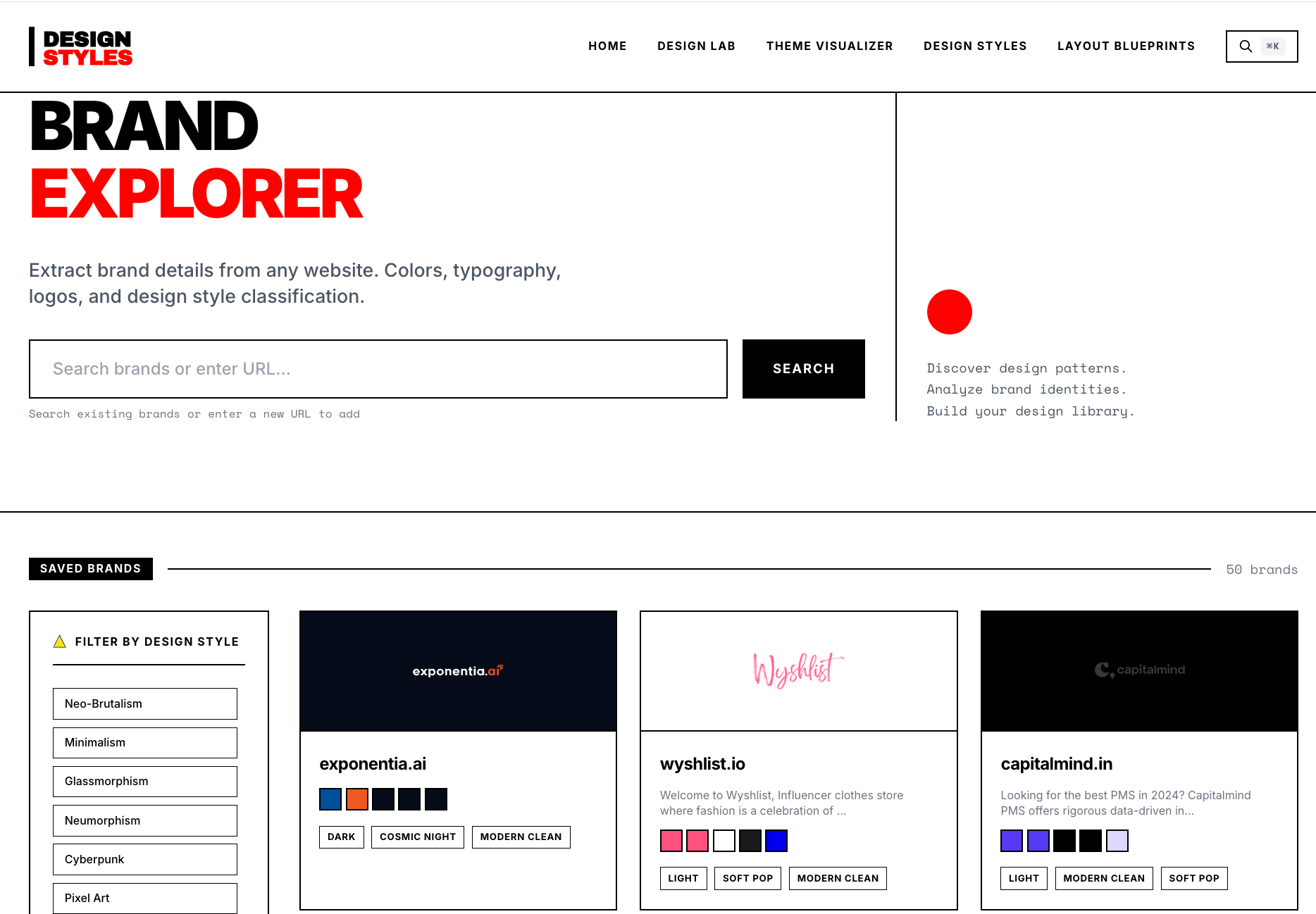
What I Built (In Short)
I built designstyles.xyz — a tool that lets you:
Paste any website URL
Instantly extract its design style (Minimalist, Neo-Brutalist, Glassmorphism, etc.)
Get colors, typography, and layout cues
Copy a ready-to-use CSS / prompt to recreate the look
All without knowing design theory.
If you would like to know about the latest updates in AI & Productivity do subscribe


How I Built It: The End-to-End Architecture
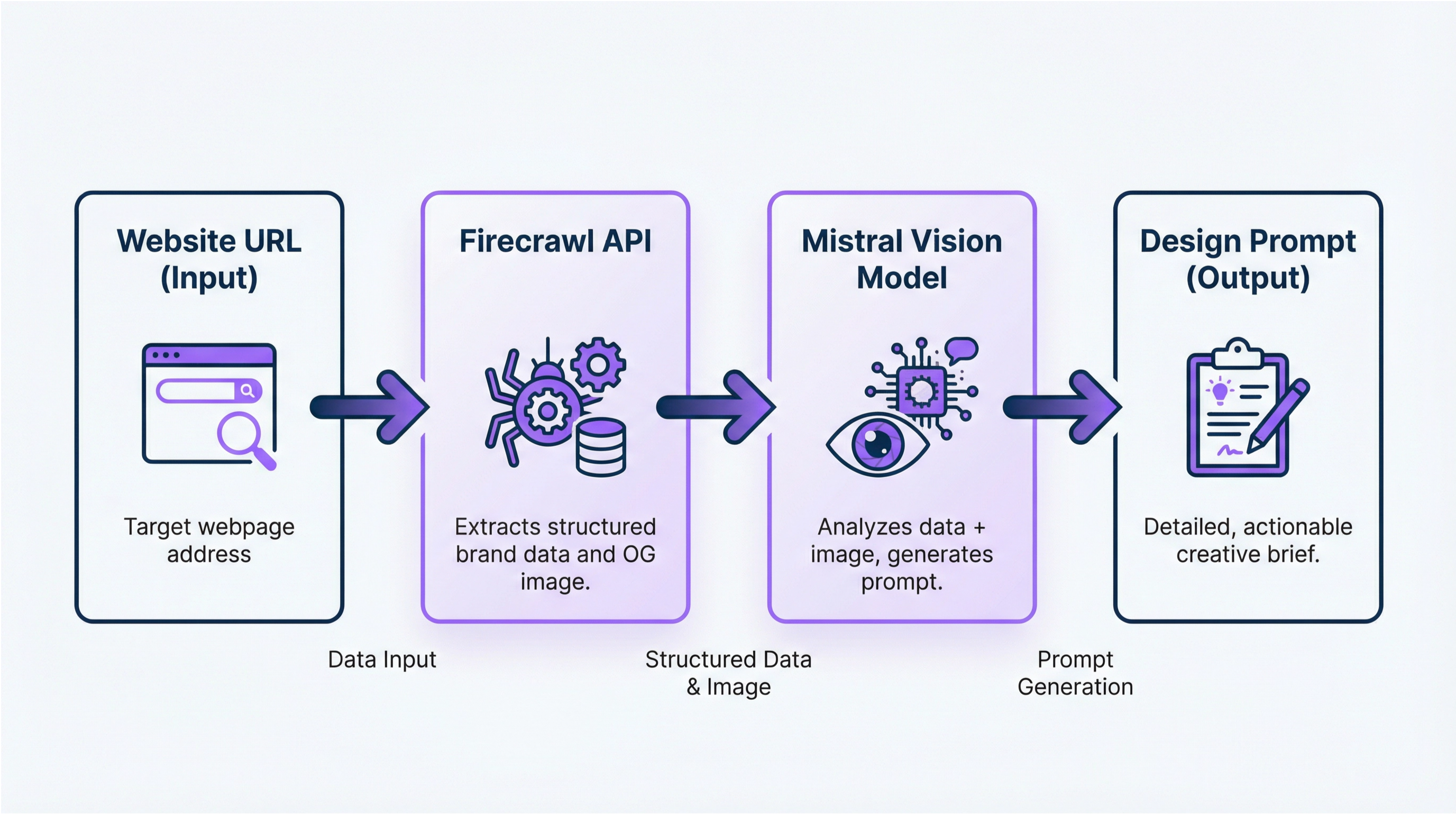
User Input → Astro Frontend → Firecrawl API
Firecrawl → Screenshot + Branding JSON → Mistral Vision
Mistral → Design Classification → Supabase (JSONB)
Database → Render Brand Card → Copy-to-Clipboard
The Discovery: Firecrawl’s Branding Format
I went looking for tools that could “see” and understand websites. I found Firecrawl.
Their /scrape endpoint with the branding format is a something that I needed. One API call extracts everything:
{
  "url": "https://example.com",
  "formats": ["branding", "screenshot"]
}
The branding format returns structured design data:
{
  "colors": {
    "primary": "#1a1a1a",
    "secondary": "#f5f5f5",
    "accent": "#1d9bf0",
    "text": "#333333"
  },
  "typography": {
    "fonts": ["Inter", "SF Pro"],
    "headingSizes": [48, 32, 24],
    "lineHeight": 1.6
  },
  "assets": {
    "logo": "https://...",
    "favicon": "https://..."
  }
}
Adding Visual Intelligence: Mistral Vision
Structured data is great, but classifying design styles is visual. That’s where Mistral comes in.
Instead of chasing giant, expensive models, Mistral focuses on high signal per parameter — models that are small, sharp, and practical for real products.
I use the Mistral’s Ministral 3B vision-capable model because it’s the perfect trade-off for this use case. At ~3B parameters, it’s cheap, fast, and surprisingly good at visual reasoning. I don’t need a massive model to write essays — I need one that can look at a screenshot, understand layout, spacing, typography, and vibe, and give me a clean, structured design judgment.
Why Ministral 3B works so well here:
Cost-effective: Inference is cheap enough that each analysis costs cents, not dollars
Fast: Low latency keeps the UX snappy
Good visual intuition: Strong enough to classify design styles and hierarchy without fine-tuning
No overkill: Bigger models wouldn’t add meaningful value for this task
In short: Mistral 3B is “just enough intelligence” — which is exactly what you want when you’re turning screenshots into product decisions at scale.
Model: https://huggingface.co/mistralai/Ministral-3-3B-Instruct-2512
Check out this powerful demo to know its capabilities : https://huggingface.co/spaces/mistralai/Ministral_3B_WebGPU
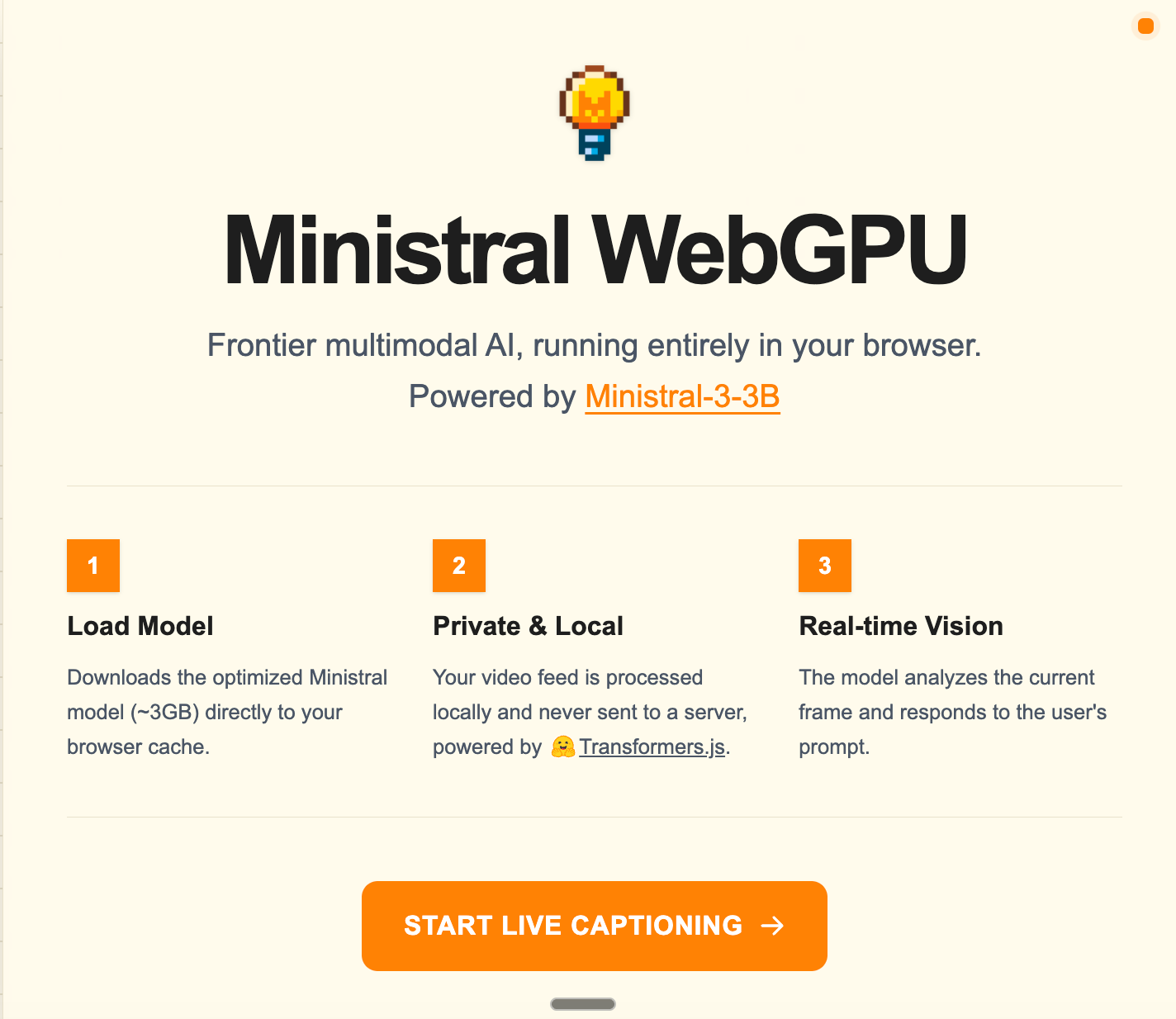
I pass the Firecrawl screenshot to Mistral’s vision model with this prompt:
Analyze this website screenshot:
- Identify the design style (Neo-Brutalism, Glassmorphism, Minimalism, etc.)
- Describe the visual hierarchy
- Generate a CSS/prompt to replicate this aesthetic
Why This Stack?
Firecrawl handles JavaScript-heavy sites that break traditional scrapers. The branding format is purpose-built for design extraction. ( around $0.006 per credit)
Mistral is cheap ($0.07/1K images) and fast. No fine-tuning needed — it understands design aesthetics out of the box.
Supabase JSONB stores nested design data without rigid schemas. Query any color, font, or style instantly.
Total cost per analysis: ~$0.0067
Builder Tip: Self-Host Supabase to Avoid Extra SaaS Costs
I didn’t use Supabase Cloud.
For Designstyles, I self-hosted Supabase on my Hostinger VPS ($5 per month). My needs were simple (Postgres + JSONB). Hostinger is affordable for smaller projects like mine.
Why this worked:
Supabase is open-source → easy to self-host
JSONB is perfect for nested design data
No usage-based pricing
One less SaaS bill
I already had the server running, so the extra cost was basically zero.
Final Thoughts
This started with frustration, not a startup idea.
I didn’t need better design taste—I needed a faster way to borrow it. Most websites already expose their design decisions; Designstyles simply turns that into something usable.
If you’re a builder who struggles with design, try it once:
paste a URL, get the design system, and move on with your build.
If you’re building solo, here’s the lesson:
Don’t overbuild. Don’t overthink.
Pick cheap primitives, connect them well, and ship.